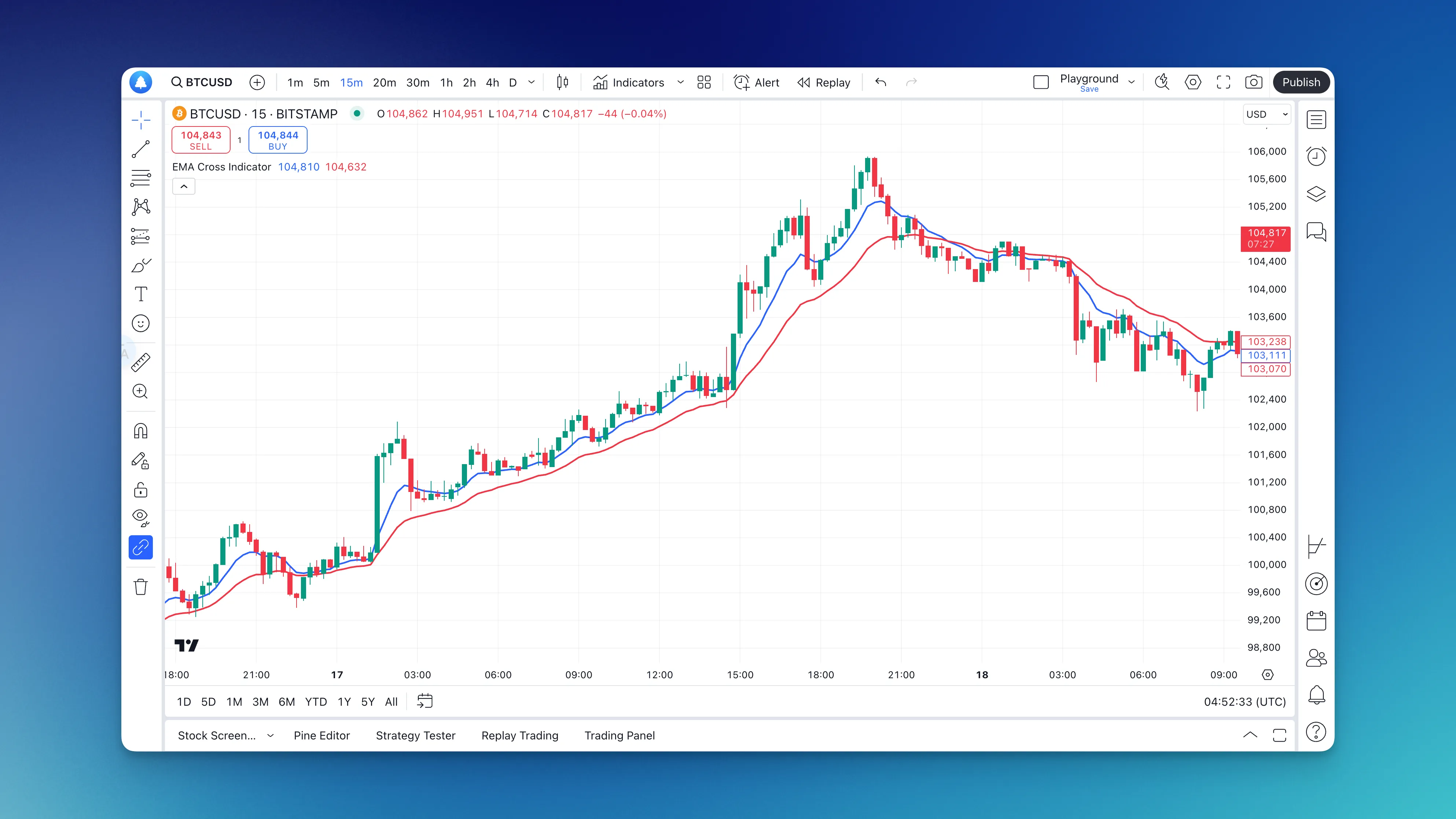
An EMA crossover occurs when a faster exponential moving average moves from one side of a slower EMA to the other. Pine Script can calculate the two series, identify the crossing bar, and mark the event. The crossing is an observable rule, not evidence of a profitable entry on its own.
Start with one symbol, one chart, and one saved layout in TradingView. Verify the market-data source before interpreting prices, learn what each candle represents, then practice alerts and simulated orders separately. A charting tool helps organize observations; it does not establish that a trading idea will be profitable.
A Pine Script strategy defines simulated orders for TradingView's broker emulator. Write down the entry, exit, size, and execution assumptions first, then implement them with strategy(). Changing an indicator's declaration alone does not supply missing order rules.
Write a Pine Script by choosing its type, declaring inputs, calculating series, and displaying the result. Start with a calculation you can check manually. The examples below use Pine v6 and focus on writing indicators; a profitable trading strategy requires additional rules and evidence.
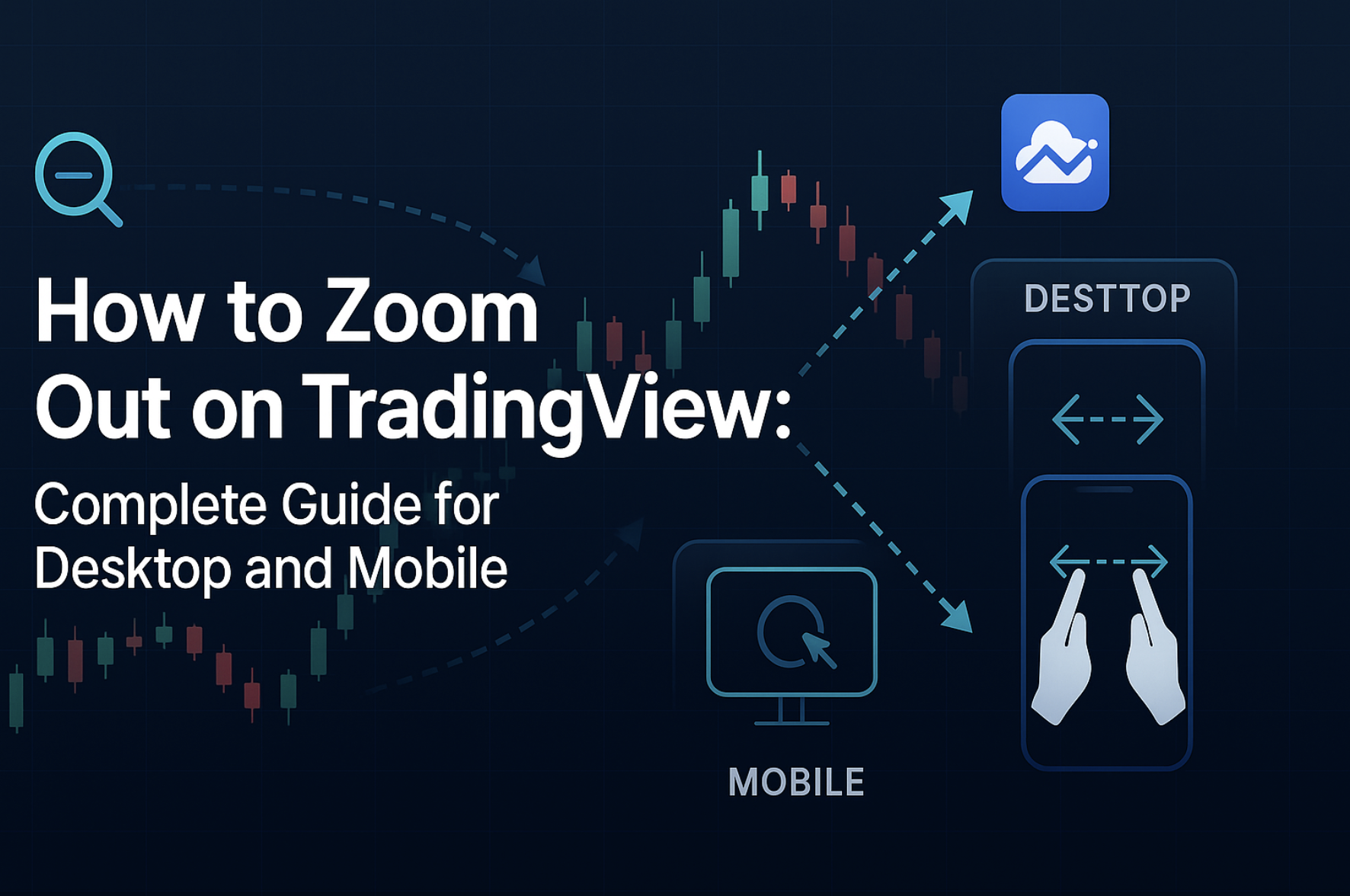
To see more bars on TradingView, reduce the chart's horizontal spacing using the mouse wheel, the time scale, or the chart's zoom controls. To see a wider price range, adjust the vertical price scale instead. Those actions are different from changing the candle interval or zooming the entire browser page.
The Hull Moving Average combines weighted moving averages to reduce lag while smoothing a price series. That is a calculation property, not evidence that an HMA strategy enters profitably sooner or produces fewer losing trades. Define the signal and compare it under consistent test assumptions before drawing a performance conclusion.
A meaningful “Humblepied vs Pineify” comparison needs an identifiable Humblepied author and script page. We could not verify that identity and product scope from primary sources for this review. That does not establish that the name or offering does not exist, but it prevents a supported verdict about its price, documentation, repainting behavior, or performance.
Backtest mô phỏng một bộ quy tắc trên dữ liệu lịch sử với các giả định về khớp lệnh và chi phí. Kết quả cho biết mô hình đã hoạt động thế nào trong mẫu đã chọn; nó không chứng minh chiến lược sẽ có lãi trong tương lai. Một bài kiểm thử có thể tái lập cần lưu cả quy tắc, dữ liệu, thông số và từng giao dịch.
TradingView giúp xem biểu đồ, thiết lập cảnh báo và mô phỏng giao dịch. Để bắt đầu, cần phân biệt ba việc: chọn đúng nguồn giá, cấu hình biểu đồ và kiểm tra cách lệnh được xử lý. Gói thuê bao biểu đồ không tự động bao gồm mọi dữ liệu sàn thời gian thực.
Sau khi đã mở được biểu đồ TradingView, vấn đề thường gặp là dữ liệu, bố cục hoặc tín hiệu không giống điều bạn dự kiến. Bài này tập trung vào cách kiểm tra từng lớp thiết lập trước khi chuyển từ quan sát sang thử nghiệm giao dịch.