Pineify Trading Journal: Record and Reconcile Trades

Pineify Trading Journal records trades and their context, then summarizes the entered data through history, calendar, statistics, and reports. The first useful result is a reconciled record: quantities, closes, fees, dates, and capital changes should agree with the source statements before performance is interpreted.
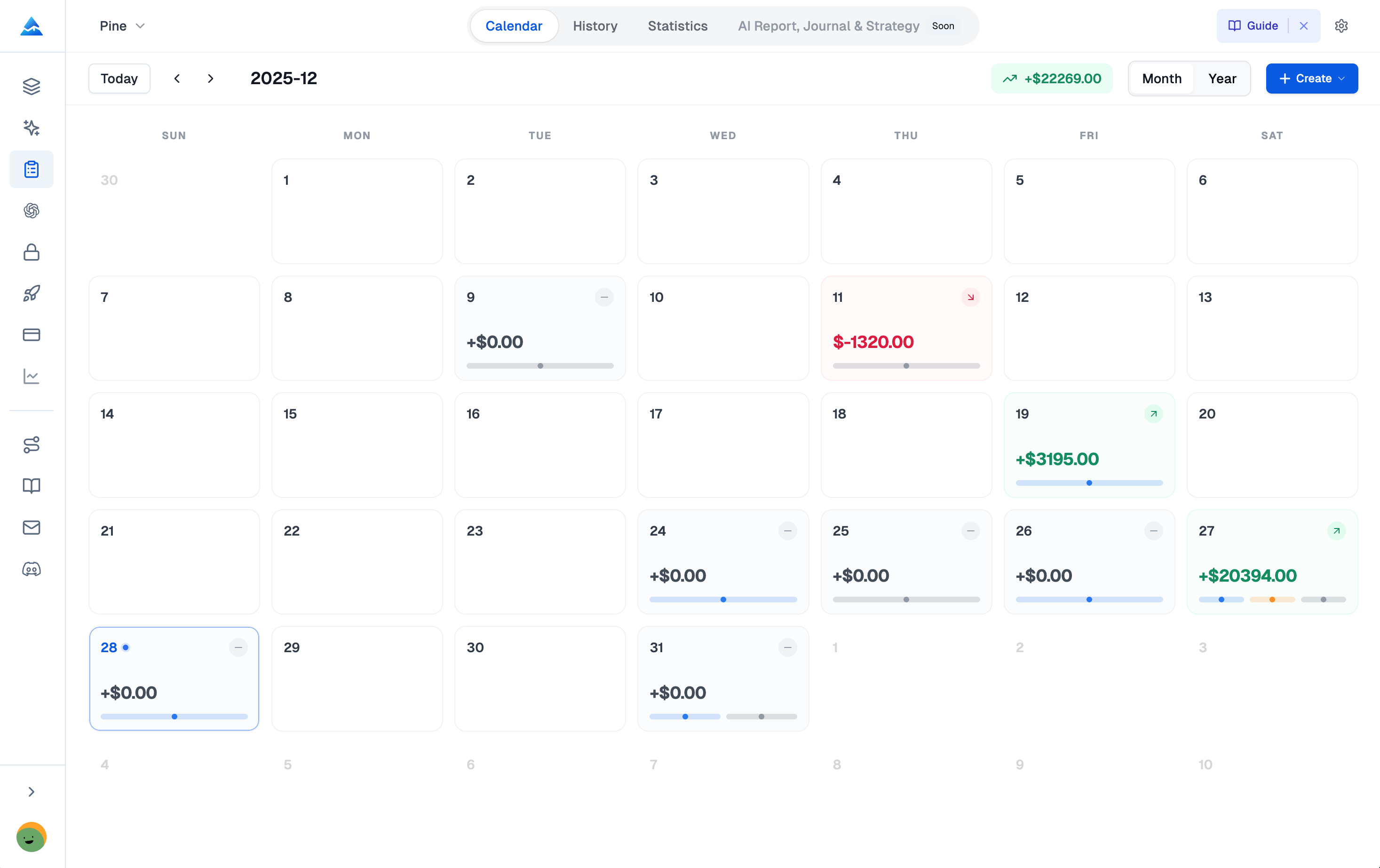
Set up the journal before the first trade
Choose a journal name, account currency, timezone, and initial capital. Separate journals can represent different accounts or capital pools. Use setup and tag fields to distinguish rules within a journal rather than duplicating the same execution into several totals.
Record deposits and withdrawals as capital transactions. A deposit is not trading profit, and an increase in account balance is not automatically an investment return. Confirm how the selected dashboard metric treats external cash flows before comparing accounts.
Check current account eligibility through the Trading Journal page. The app is a web workflow; creating a journal does not itself establish a broker connection or automatic import of every execution.
Enter the facts needed to reconstruct a trade
The trade form records symbol, direction, entry price, quantity, and opening time. Additional fields include capital used, risk amount, initial stop, target, notes, tags, setup, session, and close records. Preserve actual execution information separately from the intended plan.
| Field group | Reconciliation question |
|---|---|
| Entry and quantity | Does the record match the filled position rather than the submitted order? |
| Close records | Do partial quantities and prices match each actual exit? |
| Fees and currency | Are costs and currency conversions consistent with the statement? |
| Initial stop | Was this the original planned stop, or a later trailing adjustment? |
| Notes and screenshots | Can the decision be understood using information available at entry? |
A correct formula cannot repair a missing close or an incorrect currency. For instruments with contract-specific units or settlement rules, verify the resulting monetary P&L against the broker statement rather than assuming stock-style quantity semantics apply unchanged.
Understand partial-close R multiples
Pineify's R calculation uses the distance from entry to the recorded initial stop. Each close contributes its directional price move divided by that distance, multiplied by the fraction of the original quantity closed. Missing or directionally invalid initial stops leave R unavailable.
For a hypothetical long entry of 10 shares at $100 with a $98 initial stop, closing four at $104 contributes (4 / 2) × (4 / 10) = 0.8R. Closing the remaining six at $99 contributes (-1 / 2) × (6 / 10) = -0.3R. The total is 0.5R before any interpretation of trading costs.
This implementation measures a price-and-quantity result relative to the initial stop; it is not simply net P&L divided by any manually entered risk budget. The R formula does not deduct fees. Changing the recorded initial stop changes the denominator and can recalculate historical R values, so correct an erroneous initial stop deliberately rather than replacing it with a later trailing level.
Review statistics with the underlying trades
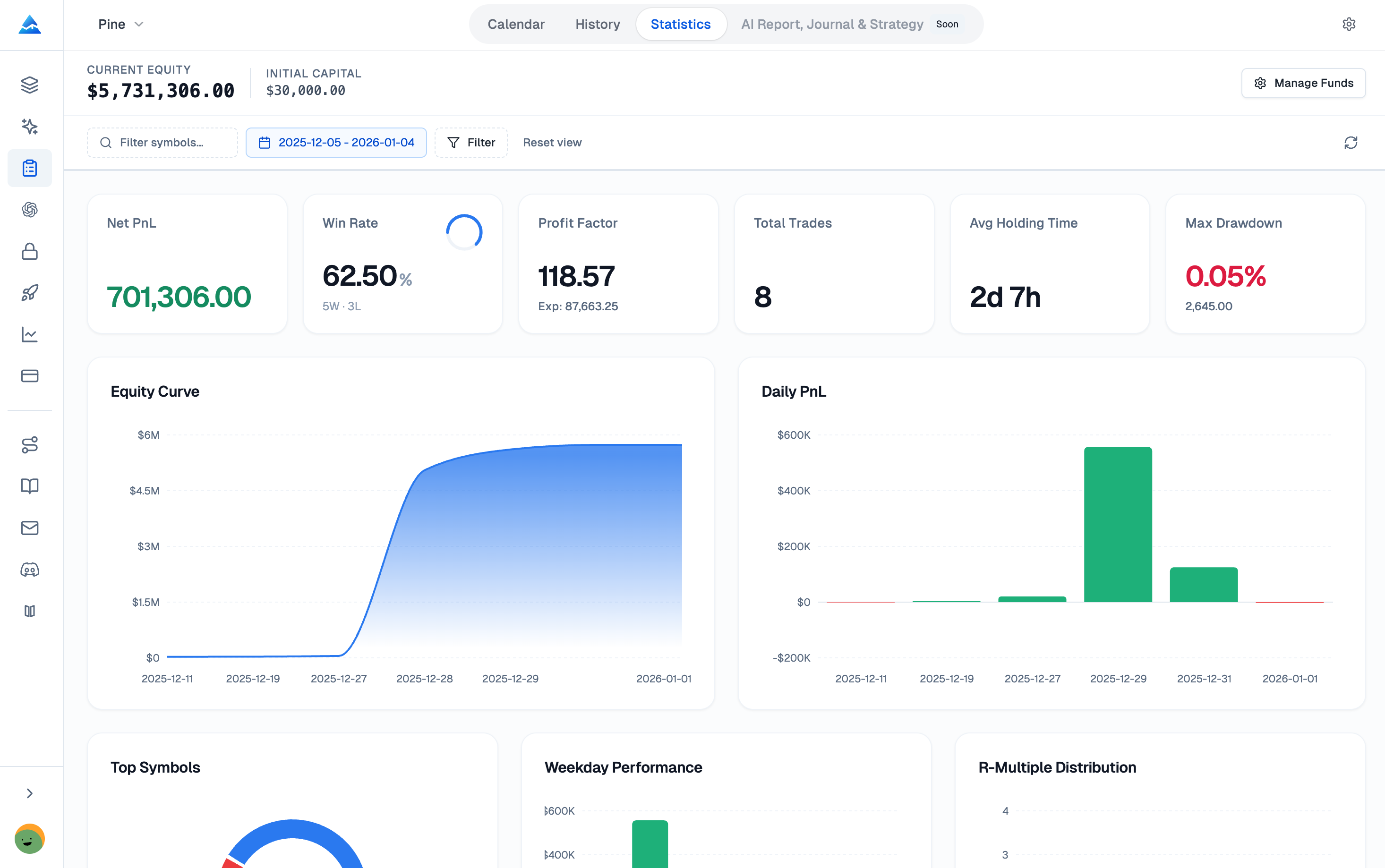
Net P&L, win rate, profit factor, expectancy, drawdown, setup/tag summaries, and R statistics answer different questions. Win rate ignores payoff size. Profit factor compares aggregate winning and losing amounts, not the average winner with the average loser. The current implementation uses a zero fallback when the required loss denominator is absent; inspect the amounts before interpreting that value.
The journal's records are not necessarily a continuously marked broker equity history. Missing trades, unrealized exposure, costs, and different filters can make a journal curve differ from account statements. Do not assume Sharpe or Sortino fields available in Pineify's separate Backtest Deep Report are also calculated in the journal.
Add context without treating it as causation
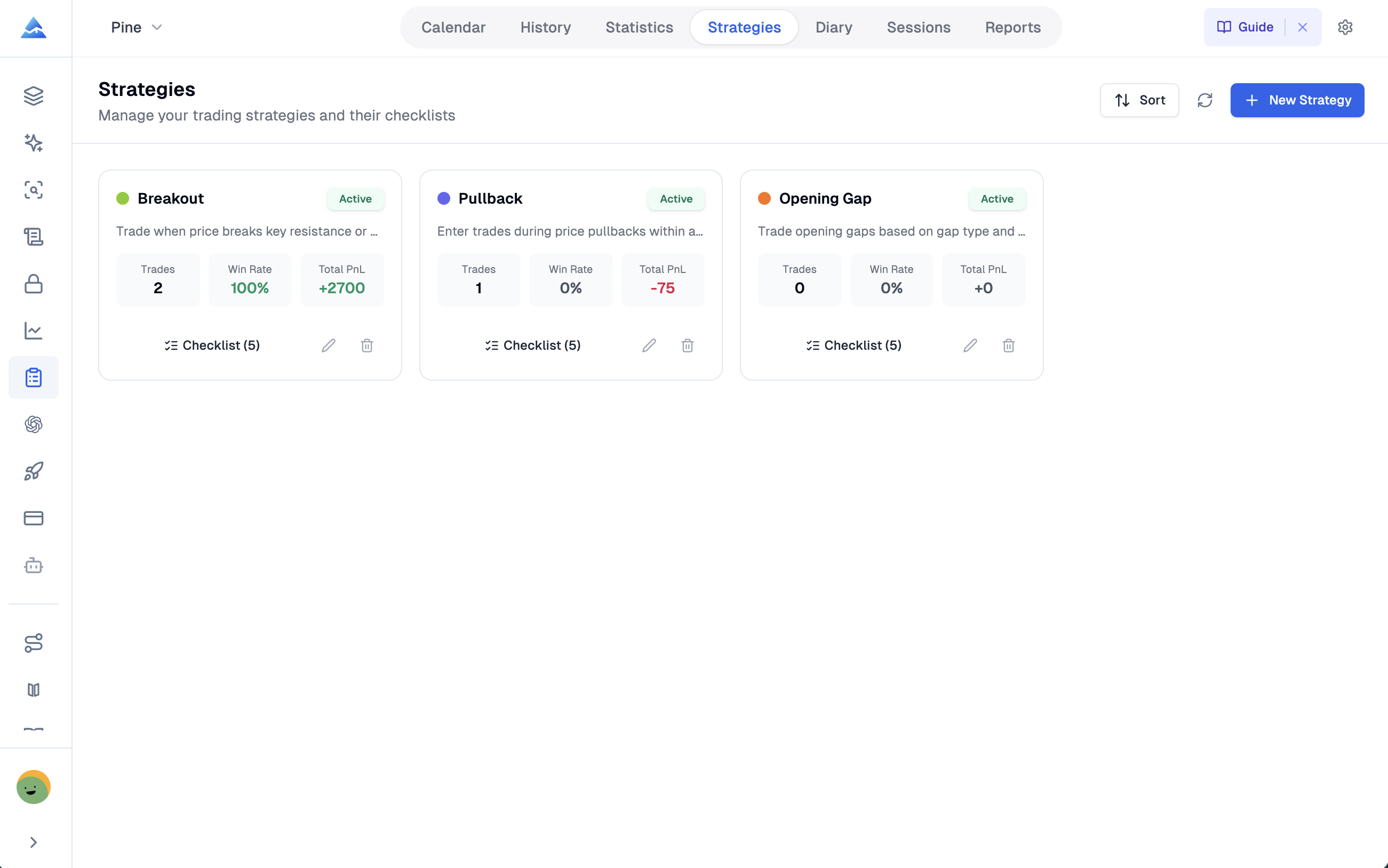
Setup checklists describe the intended process. Sessions link trades to a named period with optional notes, mood, and rating. Diary entries retain daily observations, plan adherence, and lessons. These records can suggest questions for review, but a correlation between mood and profit does not establish that mood caused the outcome.
Write a specific observation before deciding on a process change. Compare similar strategies and market conditions, and retain losing as well as winning examples. No personal trading history or measured improvement is asserted here.
Generate and preserve reports
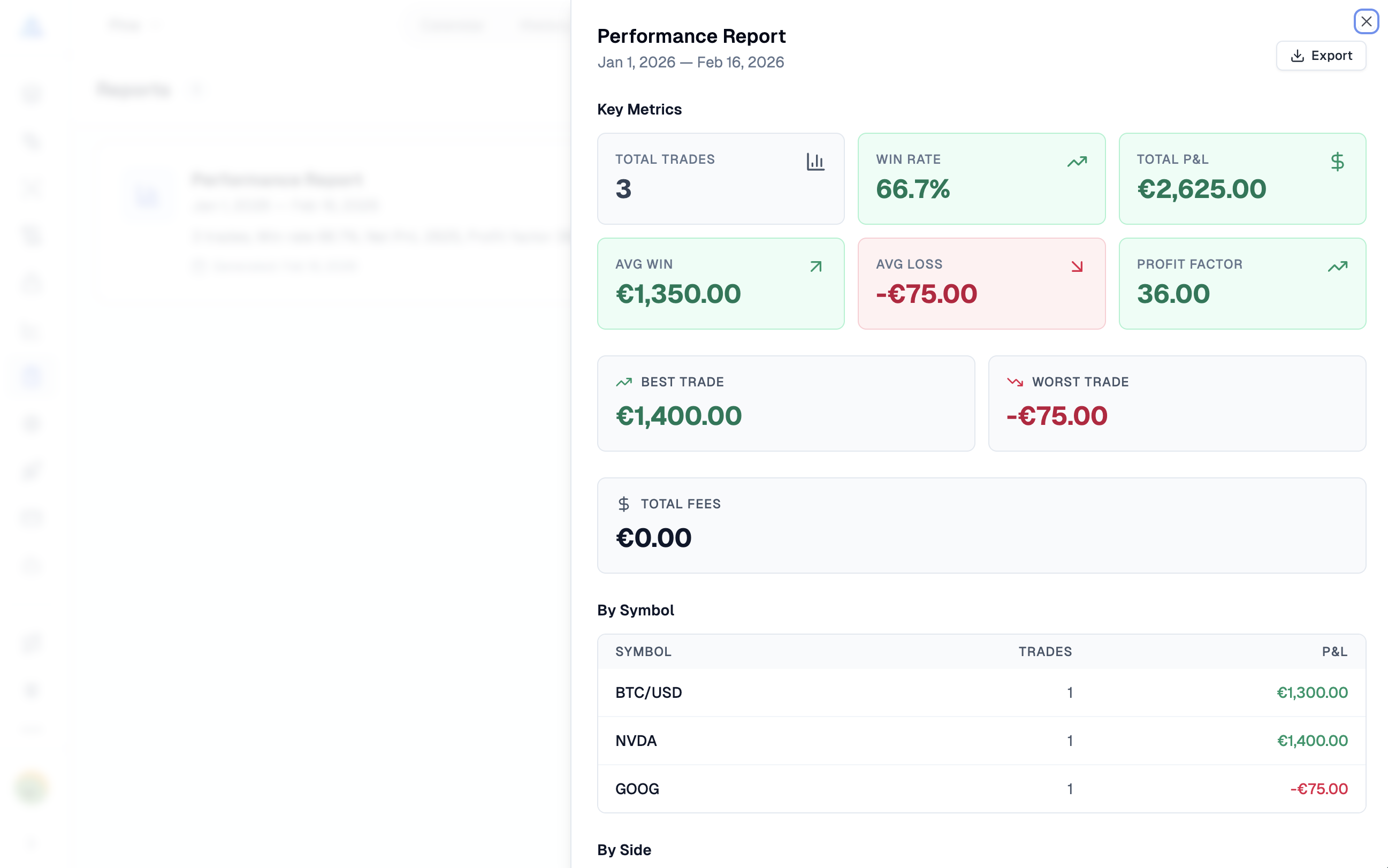
Select a period and click Generate Report. The current report selects partially or fully closed trades by their opening date within UTC date boundaries, then summarizes their recorded results. This differs from a report of exits realized during the chosen dates. The symbol/side breakdown and best/worst trade fields should be read within that scope.
Diary and report exports are available as Excel workbooks. A report export is a summary, not a substitute for retaining detailed source statements. Keep the generation date and reconcile any changed trade records before comparing old and regenerated reports.
Records pass through Pineify's authenticated service. Optional read-only share links expose a journal summary to valid token holders and can be revoked. This description does not establish end-to-end encryption or that only the account owner can ever access every shared output.
Does R equal net profit divided by the risk amount field?
The verified R calculation uses entry-to-initial-stop distance and closed quantity as a fraction of original quantity. It does not deduct fees in that formula.
Can I log several exits for one entry?
Yes. Multiple close records retain partial-exit information and allow remaining quantity and realized results to be calculated from the entered data.
Are reports automatically delivered every week?
The interface generates reports on request for selected dates. A recurring delivery service is not established by that workflow.
What should I check before trusting a dashboard comparison?
Reconcile trades, quantities, fees, currency, capital transactions, date selection, and the definition of each metric first.