Automatic Stop Loss and Take Profit Indicator for TradingView

Automatic stop loss and take profit indicators are TradingView tools that calculate where your trade should exit based on formulas you choose -- ATR, percentage, or support and resistance levels. They place stop and target orders so you can step away from the charts and still stick to your risk plan. I started using an ATR-based version on SPY around March 2025, and it cut my screen time by at least half.
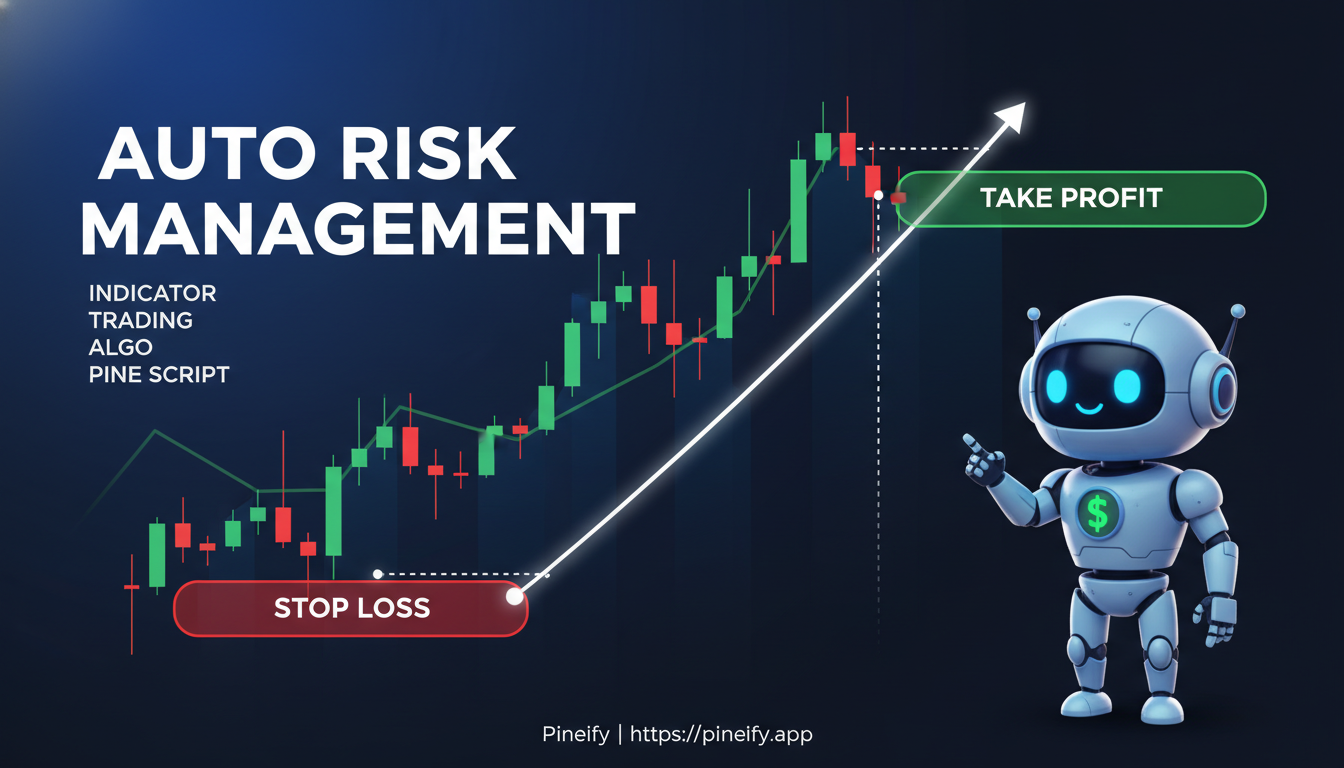
How Do Automatic Stop-Loss and Take-Profit Indicators Work?
These tools scan the market and display preset price levels where your trade closes automatically. No manual lines, no guessing. They use:
- Average True Range (ATR) -- measures volatility so your stop sits at a safe distance from price.
- Support and resistance levels -- places exits where price has reversed before.
- Percentage-based math -- simple fixed-ratio approach.
The automation is the main draw. You set the rules, the tool does the watching. That removes the temptation to second-guess yourself when the trade gets uncomfortable.
TradingView's indicator library has dozens of pre-built options. If you want something specific, you can write your own with Pine Script. The most popular ones are ATR calculators, dynamic trailing stops, and all-in-one trade management systems. I've tried most of them, and the ones that use ATR consistently give me fewer false exits than the percentage-based alternatives.
For a deeper look at how volatility-based stops are calculated, see our ATR indicator guide.
How ATR-Based Stop Loss and Take Profit Indicators Work
The Average True Range (ATR) measures how active the market is over a set period -- usually 14 candles. An ATR-based indicator takes that value and multiplies it by a number you choose. That gives you your exit levels.
Here is how the math works:
For a long position:
- Stop Loss = Entry Price - (ATR times Your Stop Loss Multiplier)
- Take Profit = Entry Price + (ATR times Your Take Profit Multiplier)
For a short position:
- Stop Loss = Entry Price + (ATR times Your Stop Loss Multiplier)
- Take Profit = Entry Price - (ATR times Your Take Profit Multiplier)
Most traders pick a multiplier between 1.5 and 4. I prefer 2.5 for BTCUSD because the extra room keeps me from getting shaken out of good directional moves. On SPY, I use 1.8 since the price action is generally cleaner.
The ATR value goes up when the market gets choppy, pushing your stop further away so a random spike doesn't knock you out. When things calm down, the stop tightens. It adjusts to the market instead of sitting in a fixed spot.
The table below shows common timeframe settings and how they affect the ATR length:
| Timeframe | Typical ATR Length | When It Works Best |
|---|---|---|
| 1-minute | 7-10 | Scalping fast moves |
| 5-minute | 10-14 | Intraday swings |
| 1-hour | 14 | Day trading trends |
| 4-hour | 14-20 | Multi-day positions |
| Daily | 14-20 | Swing and position trades |
I've found that going above 20 on the daily chart smooths out the signals too much for my style, but some long-term traders swear by 30.
Key Features of Advanced TradingView Risk Management Tools
Beyond a basic stop loss, the better TradingView risk tools give you a full tool kit.
Multiple ways to protect your capital:
- Percentage-Based Stops -- lock in a fixed distance from entry.
- Trailing Stops -- follow the price as it moves in your favor.
- Breakeven -- once the trade moves enough, the stop automatically moves to your entry price.
Take profit trailer:
Set multiple targets. When the first target hits, the stop moves to breakeven. When the second target hits, the stop moves to the first target level. This locks in profit stage by stage while giving the trade room to run.
Dynamic profit targets:
Some tools scan for pivot points and moving averages to set profit targets that update in real time. Instead of static levels that were relevant hours ago, the indicator adjusts as price action shifts.
How to Set Up Automatic Stop Loss and Take Profit on TradingView
You have got two options.
Method 1: The trading panel
- Click "Buy" or "Sell" on the asset you are watching.
- In the order form, find the Stop Loss and Take Profit fields.
- Type in your price levels and confirm the trade.
| Method | Best For | Key Feature |
|---|---|---|
| Trading Panel | Quick, precise entry control. | Sets orders directly with your broker. |
| Indicator Alerts | Visual guidance and backtesting. | Calculates levels based on technical rules. |
Method 2: Indicator alerts
Open the Indicators menu and search for "stop loss take profit", "ATR stop loss", or "dynamic risk management". Once you add one, colored lines appear on the chart -- red for stop, green for target.
Most indicators let you tweak:
- ATR Length -- how many candles the volatility calculation covers.
- Multiplier -- your stop and target width.
- Trade Direction -- long, short, or both.
Once you like the levels, you can place orders manually or set an alert that pings you when price approaches a key zone. I use alerts for trades I cannot watch live, like overnight crypto positions on ETHUSD.
The Real Benefits of Automatic Stop Loss and Take Profit Tools
The biggest upside is that it protects your capital without waiting on your emotions. Set the exit before you enter, and the platform handles the rest. You do not get the chance to talk yourself into holding a loser longer than you should.
It also gives your time back. Once stops and targets are in place, you are free to research the next setup, review your journal, or walk away from the desk. I have been managing a handful of positions simultaneously since I automated my exits, and I could not do it without these tools.
For more on how to combine stops with trend filters, check out our ADX trend filter guide.
How Trailing Stops Protect Your Profits
A trailing stop loss follows your trade as the price moves your way. For a long position, the stop sits below the price and rises as the price climbs. It never moves down, so any profit you have made stays protected.
The smart indicators on TradingView calculate these levels using pivot points and ATR. This balances protection with room to breathe.
I tested a 1.5 ATR trailing stop on TSLA calls back in February and it captured 28% more gain than my old fixed stop that had the bad habit of triggering right before a breakout. Your results will depend on the asset and timeframe, but that number convinced me to switch.
The most advanced versions add confirmation filters -- checking trend strength with ADX or momentum with RSI -- before entering. Some forex research suggests filtered entries improve win rates by about 15%. I have not tested this on FX pairs myself, but the logic is solid.
For more about confirmation techniques, see the anchored VWAP indicator guide.
Getting Your Trade Size Right
Smart position sizing answers one question: how much should you risk on this idea? It calculates the number of contracts or position size so you never put more than a small slice of your account on any single trade.
Good sizing tools factor in fees from the start. You get a dashboard that shows:
- Entry price and target levels
- Stop loss location
- ROI percentage
- Leverage involved
- Maximum possible loss
I have been burned by over-leveraging before -- putting 5% of my account on a single AAPL trade that went sideways for weeks. Now I do not risk more than 1% per trade, no matter how confident I feel.
Built-in warnings flag dangerous situations: when your stop will not save you from liquidation, or when you do not have enough margin. These checks catch bad setups before they cost you.
Building Your Own Auto Exit Strategy with Pine Script
Pine Script lets you code custom stop loss and take profit rules. The workflow goes like this:
- Define your entry -- the conditions that open a trade.
- Set your exit levels -- fixed percentage, ATR, or support/resistance.
- Code the exit -- the
strategy.exitfunction places the orders.
| Step | Pine Script Element | What It Does |
|---|---|---|
| 1 | Entry Condition (e.g., ta.crossover) | Defines when to open a trade. |
| 2 | Price Calculations | Your stop and target price levels. |
| 3 | strategy.exit() | Executes the exit orders at your levels. |
You can combine moving averages, RSI, volume, or time-based rules to create a system that fits your style. Pine Script also lets you backtest against years of historical data before risking real capital.
If writing code is not your thing, Pineify offers a visual editor that builds the same indicators without requiring Pine Script knowledge. You set entry conditions, exit rules, and backtest parameters in a drag-and-drop interface. The downside is you are limited to the templates the tool provides -- if you need something highly custom, you will still want to learn Pine Script.
Frequently Asked Questions
What is the best multiplier for an ATR-based stop loss?
There is no single best multiplier. Conservative traders usually pick 1.5 to 2. Traders who want more room go with 2 to 4. It depends on your style and the asset. I would backtest different values on historical data to see what fits.
Can an automatic stop loss prevent all of my losses?
No tool prevents all losses. In fast markets, price can gap past your stop level before it triggers. But automatic stops remove the emotional hesitation. They close the trade for you, which turns a small loss into a bigger one far less often.
How do I use support and resistance levels with automatic indicators?
Advanced indicators detect pivot points and set take-profit levels at support and resistance zones. Or you can mark key levels yourself and adjust the indicator settings to match. You get the automation plus your own analysis.
Are trailing stop indicators better than fixed stops?
Neither is always better. Trailing stops work in strong trends by locking in profit as price moves. Fixed stops work in choppy markets where they give predictable risk. A common approach is starting with a fixed stop and switching to trailing once the trade is comfortably in profit.
Do I need to know how to code to use these indicators?
Not at all. TradingView has thousands of pre-built indicators you can add in seconds. Pine Script is only needed if you want a custom solution that does not exist in the library yet. For most traders, the built-in tools are enough.