

Pineify MCP: 40 Research and Journal Tools
Connect AI agents to 40 Pineify tools for code validation, stock research, financial analysis, and bounded workflows over Streamable HTTP.
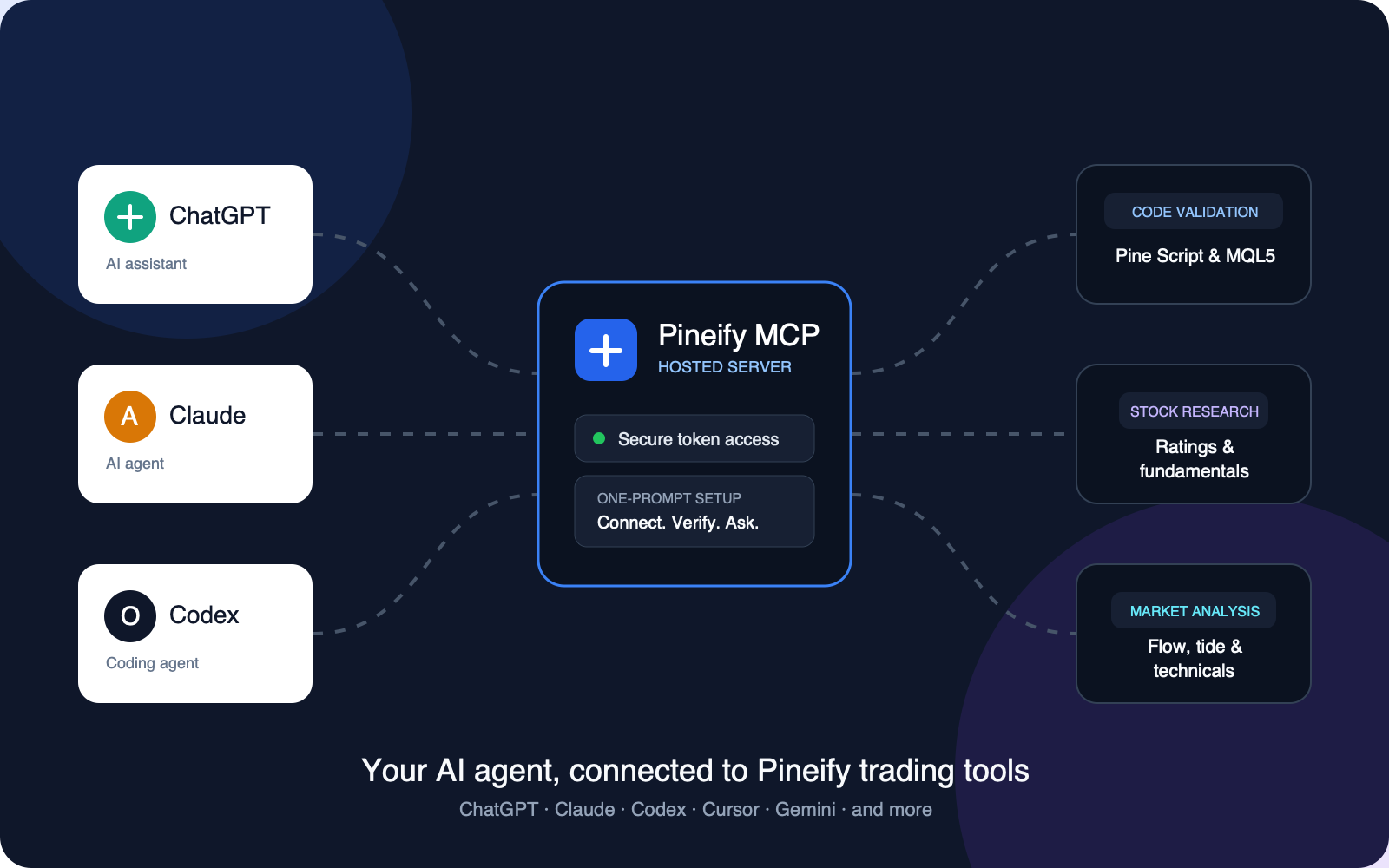
Pineify MCP is a hosted Model Context Protocol server for AI agents that need trading-code checks and financial research in one connection. It exposes 40 tools over a remote Streamable HTTP endpoint. The tools can validate code and return structured market evidence, but they cannot place or manage trades.
What is Pineify MCP?
Pineify MCP gives an MCP-compatible agent a controlled interface to Pineify's code validation, research, and Journal features. The agent sends a tool request to Pineify's hosted endpoint, receives a structured result, and can use that result in a larger coding or analysis workflow. Pineify MCP is not a broker connection or an order-routing service.
The current catalog contains 40 tools: five code validators, four stock-research tools, nine financial-analysis tools, thirteen bounded workflows, and nine Journal tools. The app catalog and Gateway tools/list response are the source of truth when the catalog changes.
How do you connect an AI agent to Pineify MCP?
Connect Pineify MCP by copying the generated setup prompt from Pineify and sending it to a trusted MCP-compatible client. The prompt supplies the hosted endpoint and a private authentication token, so you do not need to run a local Pineify server.
- Open MCP Setup and sign in.
- Copy the generated setup prompt. Keep the endpoint and token private.
- Paste the prompt into an MCP-compatible agent that you control.
- Ask the agent to list the available tools.
- Run one harmless read-only request and verify the returned symbol, timeframe, identity, or code language.
If the client cannot connect, regenerate the token from MCP Setup and repeat the configuration. Do not post the prompt, endpoint, or token in public chats, repositories, screenshots, or issue reports.
Which Pineify MCP tools are available?
| Tool group | Count | Canonical tools |
|---|---|---|
| Code validation | 5 | pine-script-syntax-checker, mql5-syntax-checker, mql4-syntax-checker, ctrader-csharp-syntax-checker, ninjascript-syntax-checker |
| Stock research | 4 | find-ai-stock-picks, get-ai-stock-rating, get-stock-research-snapshot, research-stock |
| Financial analysis | 9 | get-technical-analysis-snapshot, find-options-flow-alerts, screen-option-opportunities, get-option-contract-flow, find-dark-pool-trades, find-congress-trades, get-market-tide, get-sector-flow-snapshot, find-technical-setups |
| Bounded workflows | 13 | get-stock-event-context, generate-market-briefing, analyze-portfolio-risk, analyze-earnings, suggest-options-strategy, track-smart-money, analyze-sector-rotation, validate-trading-idea, screen-stocks, detect-market-regime, optimize-portfolio, analyze-stock-analyst-consensus, analyze-analyst-track-record |
| Trading Journal | 9 | get-journal-context, read-journal-trades, create-journal-trade, update-journal-trade, record-journal-trade-close, read-journal-diary, write-journal-diary, read-journal-transactions, record-journal-transaction |
The two analyst workflows aggregate the relevant TipRanks datasets available through FMP into user tasks rather than exposing each provider endpoint as a separate MCP tool:
analyze-stock-analyst-consensusreturns point-in-time buy, hold, sell, and unclassified counts, comparable price-target statistics, bounded active calls and recent actions, and explicit no-coverage or partial states.analyze-analyst-track-recordresolves one analyst byexpertUIDor exact full name and returns provider-reported performance metrics separately from bounded point-in-time active stock coverage. Ambiguous names fail explicitly.
Both tools support an optional as-of date within the most recent three-year retention window. Missing data remains null or unavailable, cross-currency price targets are not compared, and neither tool predicts returns or provides an investment recommendation.
For code-specific workflows, pair Pineify MCP with the Pine Script AI Coding Agent, MQL5 AI Coding Agent, or cTrader AI Coding Agent documentation. For cross-market context, see Market Insights.
Is Pineify MCP safe for trading workflows?
Pineify MCP has 35 read-only tools and five tools that write to your own Trading Journal. Your existing Expert MCP token enables both. Journal writes record or edit trades, closes, daily reviews, and deposits or withdrawals; they do not send broker orders or transfer money. Review the selected journal and record before writing.
Tool access does not mean that every result is correct, complete, or suitable as investment advice. Check the requested symbol, market, timeframe, date, analyst identity, coverage, and data context. A syntax check or market snapshot does not prove profitability, timing, or future performance.
How should you protect the MCP token?
Treat the generated token like a password. Use it only with agents and clients you trust, limit who can access the configuration, and replace it from MCP Setup if you suspect exposure. Pineify MCP does not require the token to be included in a public prompt or committed to a project.
What plan is required for Pineify MCP?
Installing and using Pineify MCP currently requires an Expert plan. The app may change plan names, limits, or catalog access, so check MCP Setup before configuring a production workflow.
Pineify MCP FAQ
Can Pineify MCP place a trade?
No. Journal tools record occurred trades; no tool sends a broker order or moves money.
Does Pineify MCP require a local server?
No. Pineify hosts a remote Streamable HTTP endpoint, and MCP Setup generates the endpoint and authentication token for your client.
How many tools does Pineify MCP provide?
The current catalog provides 40 tools: five code validators, four stock-research tools, nine financial-analysis tools, thirteen bounded workflows, and nine Journal tools.
Are the analyst tools investment recommendations?
No. They normalize point-in-time analyst evidence and provider-reported metrics. Coverage can be missing or partial, and past analyst performance does not predict future accuracy or returns.
Where do you find the current endpoint and access rules?
Use the MCP Setup page as the source of truth for the endpoint, token, catalog, and Expert-plan requirement. Do not copy credentials from an old screenshot or third-party post.
Can an agent use the results without review?
No. Agents can use the returned data as structured input, but you should verify code, symbols, timeframes, identities, coverage, and research context before relying on the output.
How do Journal writes work?
Start with get-journal-context to select an existing journal. Read the relevant trade, diary, or transaction before changing it. Each write requires the current expectedRevision and a UUID idempotencyKey. When an outcome is unknown, retry the exact original request with its original key. A revision conflict requires rereading and deciding whether a new write is still appropriate.
Journal discovery never creates a journal. Diary creation never overwrites an existing date. Deletion, sharing, images, dashboards, reports, tags, and Setup administration stay in the Pineify app.
AI Chart Analysis
Pineify's AI chart analysis interprets stock or crypto screenshots, maps technical levels, and adds risk context without presenting a price forecast.
Custom Stock Screener
Use Pineify's custom stock screener to compare technical fields across stocks, crypto, and ETFs with collections, timeframes, sorting, and 60-second refresh.