The Ultimate Pine Script AI Generator& Coding Agent for TradingView
Generate error-free Pine Script v6 instantly with AI. Build TradingView indicators & strategies with zero coding skills required. Turn your trading ideas into reality in seconds.

Advanced AI Capabilities
How Our AI Generates Error-Free Pine Script
Transform Your Ideas into Code, 10x Faster!
Instantly generate Pine Script code by simply describing your trading ideas in plain English. No programming required—just pure logic.
- Generate code from natural language
- Zero-error guarantee
- No coding skills needed
- Supports complex strategies

Smart Editing, Say Goodbye to Syntax Errors
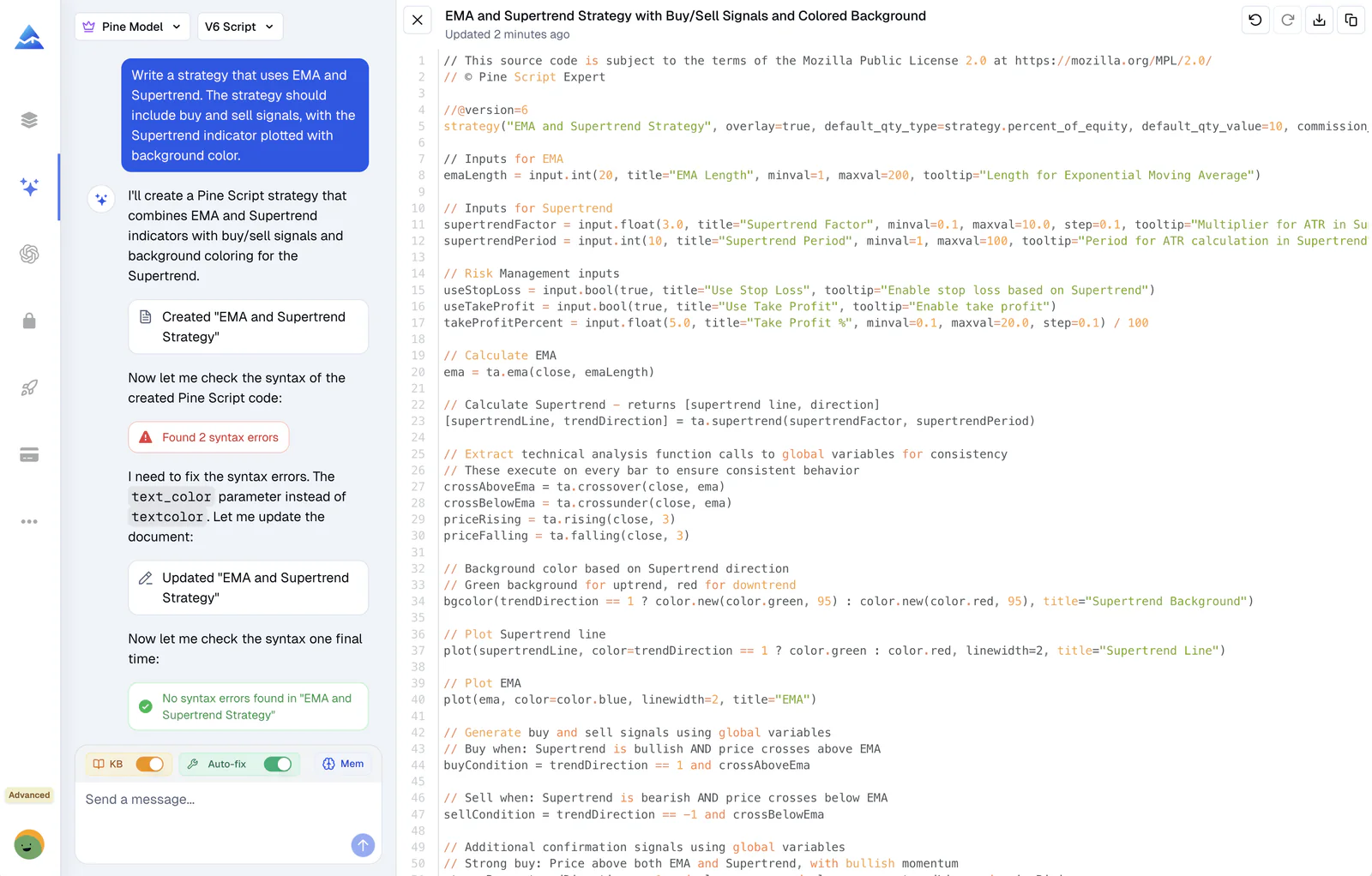
Our agent doesn’t just write code; it continuously validates it. It automatically detects syntax errors and iteratively fixes them until the code is error-free.
- Automatic syntax error detection
- One-click auto-fix technology
- Real-time validation
- Guaranteed compilation

AI Understands Your Trading, and Pine Script Even Better
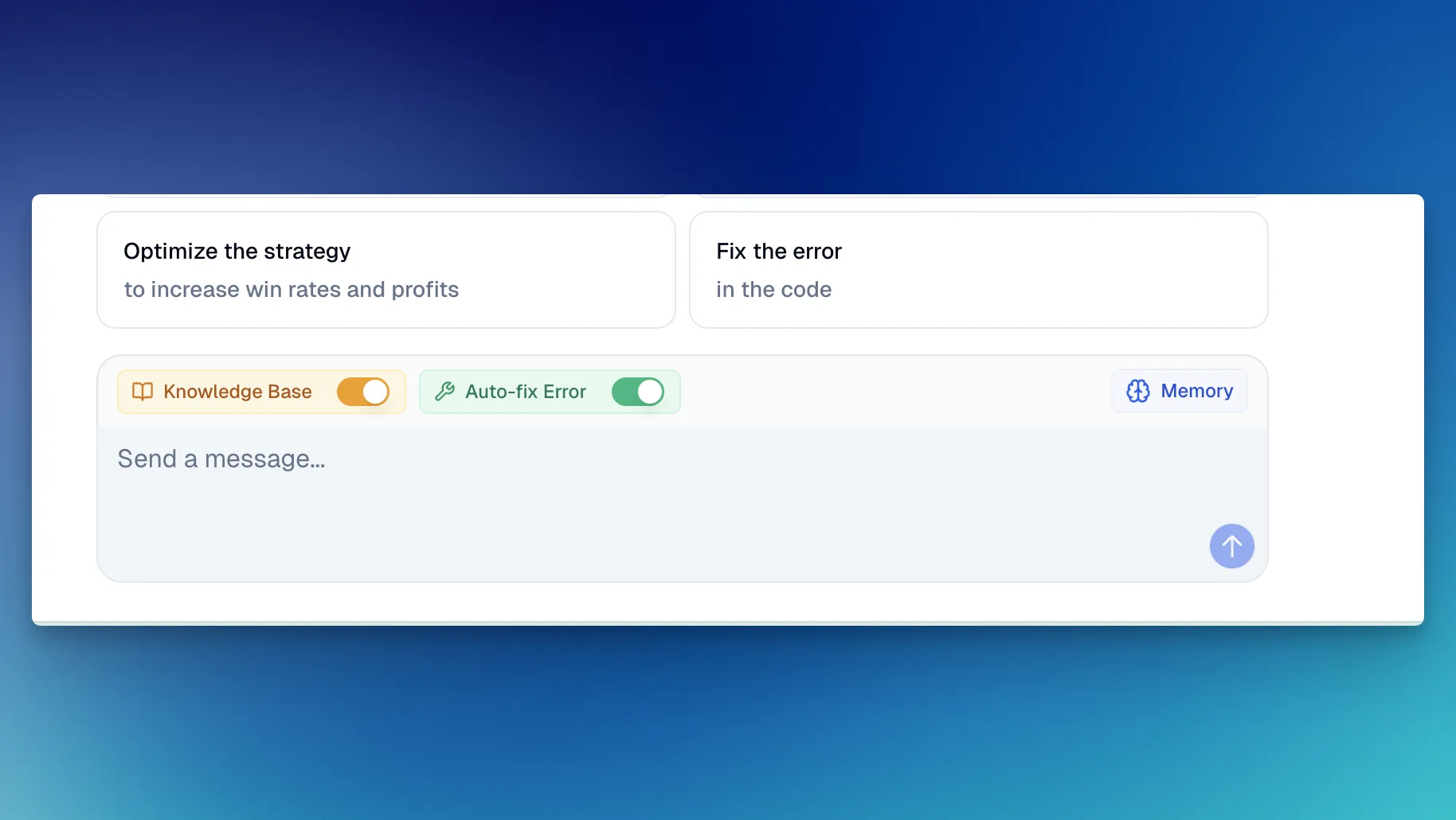
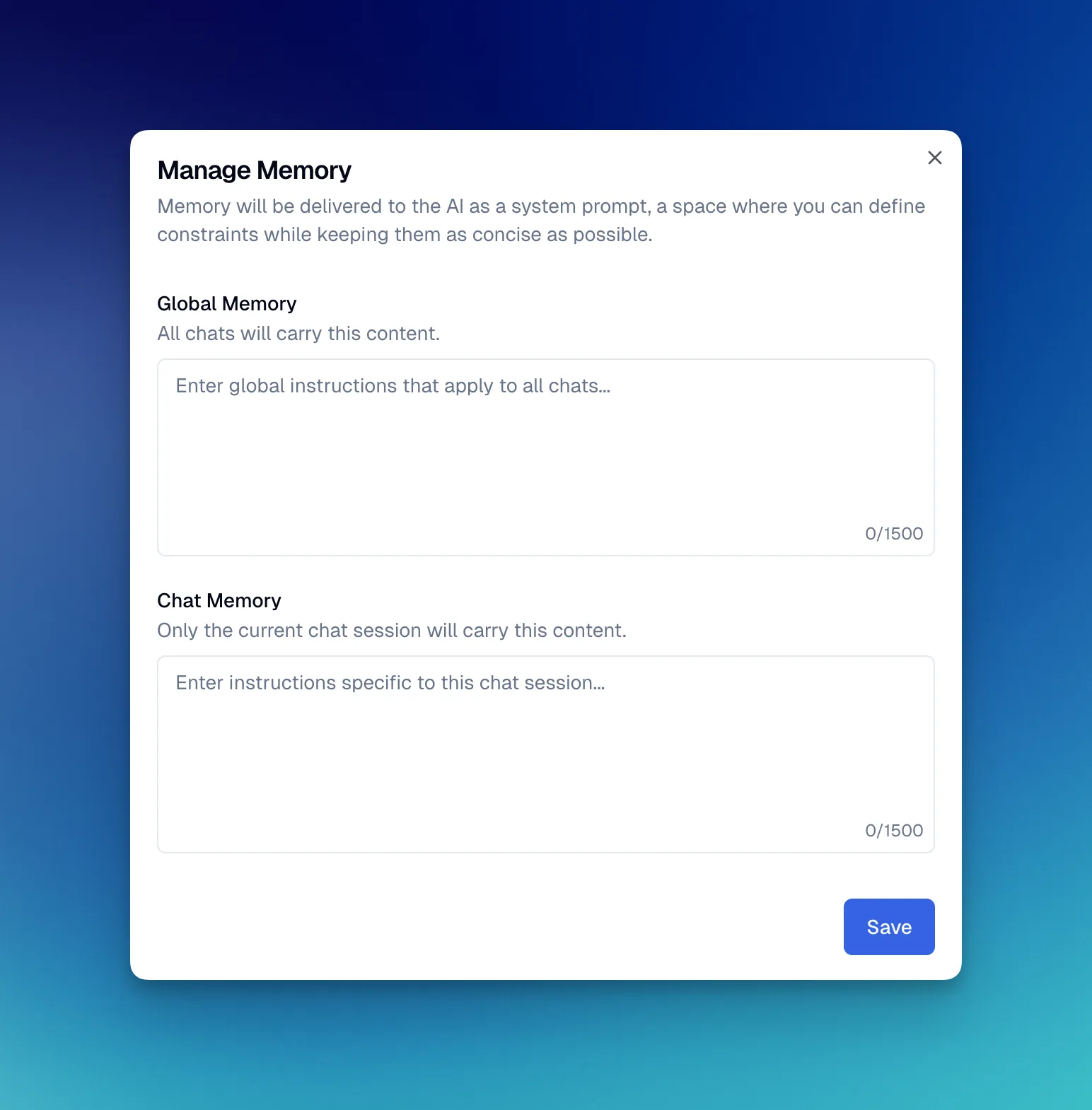
Trained on existing official documentation and reference manuals. The agent understands V5 vs V6 differences and maintains context of your specific strategy.
- Deep knowledge of Pine Script V6
- Context-aware memory
- Optimized for TradingView

How Our AI Coding Agent Works
Advanced natural language processing combined with deep Pine Script v6 knowledge to deliver error-free code every time
Natural Language Understanding
Describe your trading strategy in plain English. Our AI interprets your intent, understanding concepts like "crossover", "RSI oversold", or "trailing stop loss" without requiring technical syntax knowledge.
Code Generation with Pine Script v6 Expertise
The AI generates clean, optimized Pine Script code using the latest v6 syntax. It knows the differences between v5 and v6, applies TradingView best practices, and structures code for maximum performance.
Automatic Validation & Error Fixing
Before presenting code to you, the AI validates syntax, detects potential errors, and automatically fixes any issues. This validation loop continues until the code is 100% error-free and ready to compile on TradingView.
Real-World Pine Script Generation Examples
See how easy it is to transform trading ideas into working Pine Script code
Your Request
"Create a strategy that enters long when MACD crosses above signal line and RSI is below 30"
Generated Pine Script v6
//@version=6
strategy("MACD RSI Strategy", overlay=true)
// MACD Settings
[macdLine, signalLine, _] = ta.macd(close, 12, 26, 9)
// RSI Settings
rsiValue = ta.rsi(close, 14)
// Entry Condition
longCondition = ta.crossover(macdLine, signalLine) and rsiValue < 30
if (longCondition)
strategy.entry("Long", strategy.long)
// Plot for visualization
plot(macdLine - signalLine, "MACD Histogram", color=color.blue)
hline(0, "Zero Line", color=color.gray)Error-free, ready to use on TradingView. Automatically validated and optimized for Pine Script v6.
Your Request
"Build an indicator showing EMA 9 and EMA 21 crossovers with a 2% stop loss"
Generated Pine Script v6
//@version=6
strategy("EMA Crossover with Stop Loss", overlay=true)
// EMA Calculation
ema9 = ta.ema(close, 9)
ema21 = ta.ema(close, 21)
// Entry Signals
longEntry = ta.crossover(ema9, ema21)
shortEntry = ta.crossunder(ema9, ema21)
// Position Management with 2% Stop Loss
if (longEntry)
strategy.entry("Long", strategy.long)
strategy.exit("Exit Long", "Long", stop=strategy.position_avg_price * 0.98)
if (shortEntry)
strategy.close("Long")
// Visualization
plot(ema9, "EMA 9", color=color.blue, linewidth=2)
plot(ema21, "EMA 21", color=color.orange, linewidth=2)Includes proper position management and stop loss logic. Fully tested and validated.
Solve Real Trading Problems
Whether you are testing a new strategy or optimizing an old one, our AI Agent has you covered.
Validate Your Strategy in Minutes
Quickly transform new ideas into testable indicators or strategies without waiting for developers or learning complex syntax.
Easily Upgrade Your Old Pine Script
Ask the AI to optimize, refactor, or upgrade existing Pine Script code to V6, improving performance and adding new features.
What Traders Are Saying
"The auto-fix loop is incredible. I watched it detect a V6 syntax error, correct it, and re-verify before handing me the code. It feels like having a senior dev pair-programming with me."
"Finally, an AI that understands the nuances of Pine Script V6. It's not just generating text; it's building logic that actually compiles and runs."
"I used to spend more time debugging than trading. Pineify's agent changed that. It catches errors I miss and fixes them instantly. My productivity has tripled."
Buy Once. All Tools. Forever.100,000+ Traders Already Upgraded
One-time payment · No subscriptions · Lifetime updates included
Plus
- Visual Pine Script Editor
- Pine Script AI Agent (Knowledge Base, Auto Fix Error & Memory)
- 500 AI credits monthly
- Advanced Model (100 msgs / 5h, no credits required)
- Exclusive PineifyGPT access
- 18 premium scripts
- 🎁 Get 1 month Wundertrading Pro Plan (Reg. $49)
Advanced✨
- Everything in Plus plan
- 1000 AI credits monthly
- Advanced Model (200 msgs / 5h, no credits required)
- Strategy Optimizer Extension
- Pineify® - Signals & Overlays™ (Invite-only indicator)
- Trading Journal
- Backtest Report Deep Report
Expert✨
- Everything in Advanced plan
- 2500 AI credits monthly
- Advanced Model (500 msgs / 5h, no credits required)
- Market InsightsNew
- AI Stocks & Options Picker
- AI Finance Agent
- Priority access to new features
- Request custom indicators
- Lifetime feature updates
- AI Trading AgentComing Soon!
- more coming soon...
Frequently Asked Questions
- How does Pineify AI Coding Agent guarantee error-free code?
- Our agent uses a multi-step validation process. It rigorously checks its own work, runs syntax verification, and if an error is detected, it auto-fixes it instantly before showing you the result.
- Do I need programming experience to use this?
- Not at all. The Coding Agent is designed for traders, not just coders. You can describe your strategy in plain language, and the AI handles the complex coding part.
- What AI models does the agent support?
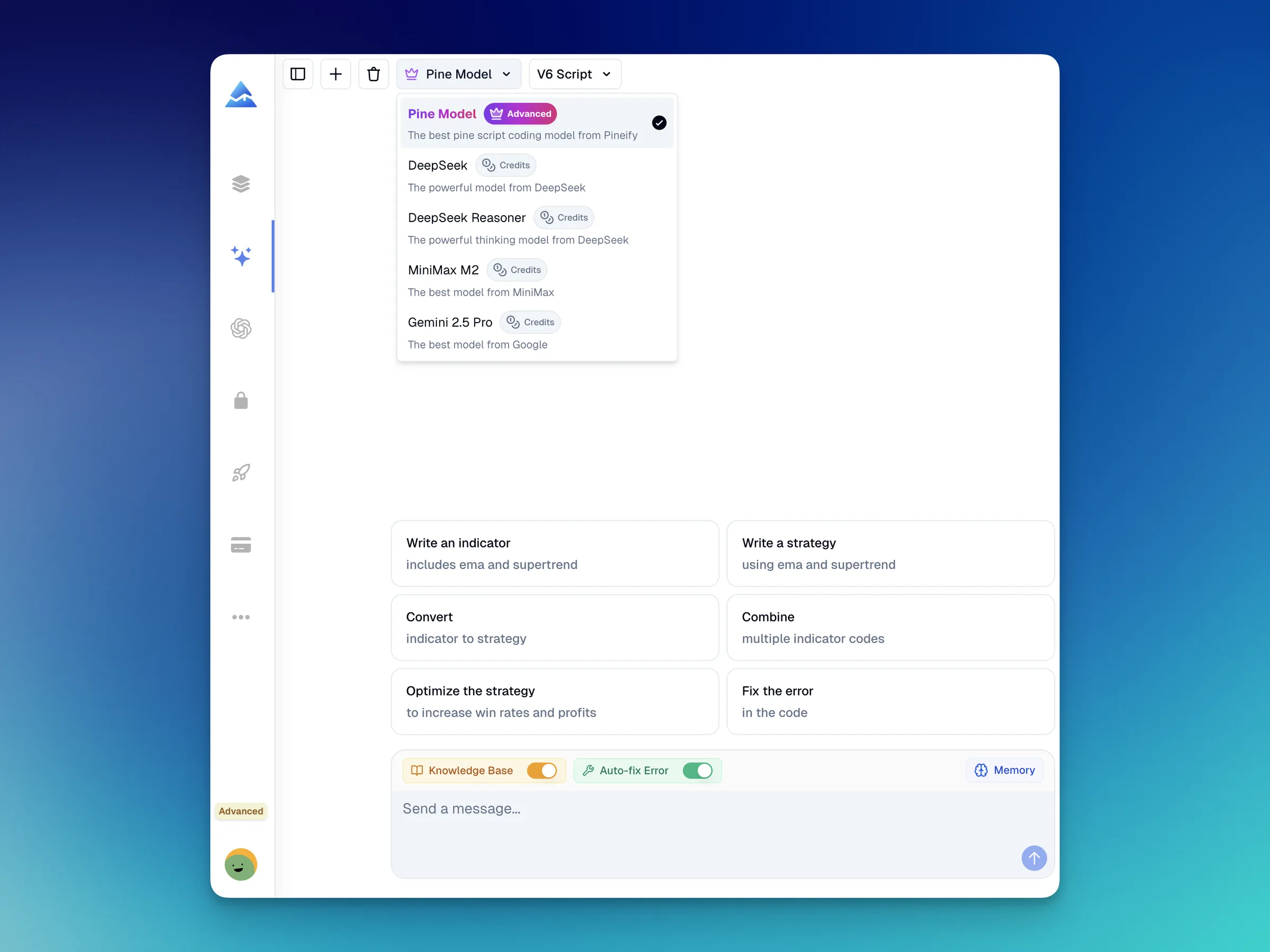
- We support our specialized Advanced Model for Pine Script, along with leading models like DeepSeek and Gemini, to ensure you get the best possible logic and syntax.
- How are AI Credits calculated?
- AI Credits are applicable to models other than the Advanced Model (which typically does not consume credits). Credits are refreshed monthly with your subscription, and you can purchase add-on packs if you need more.
Ready to Revolutionize Your Trading?
Start now and experience unprecedented intelligent code generation and editing. Stop debugging, start trading.