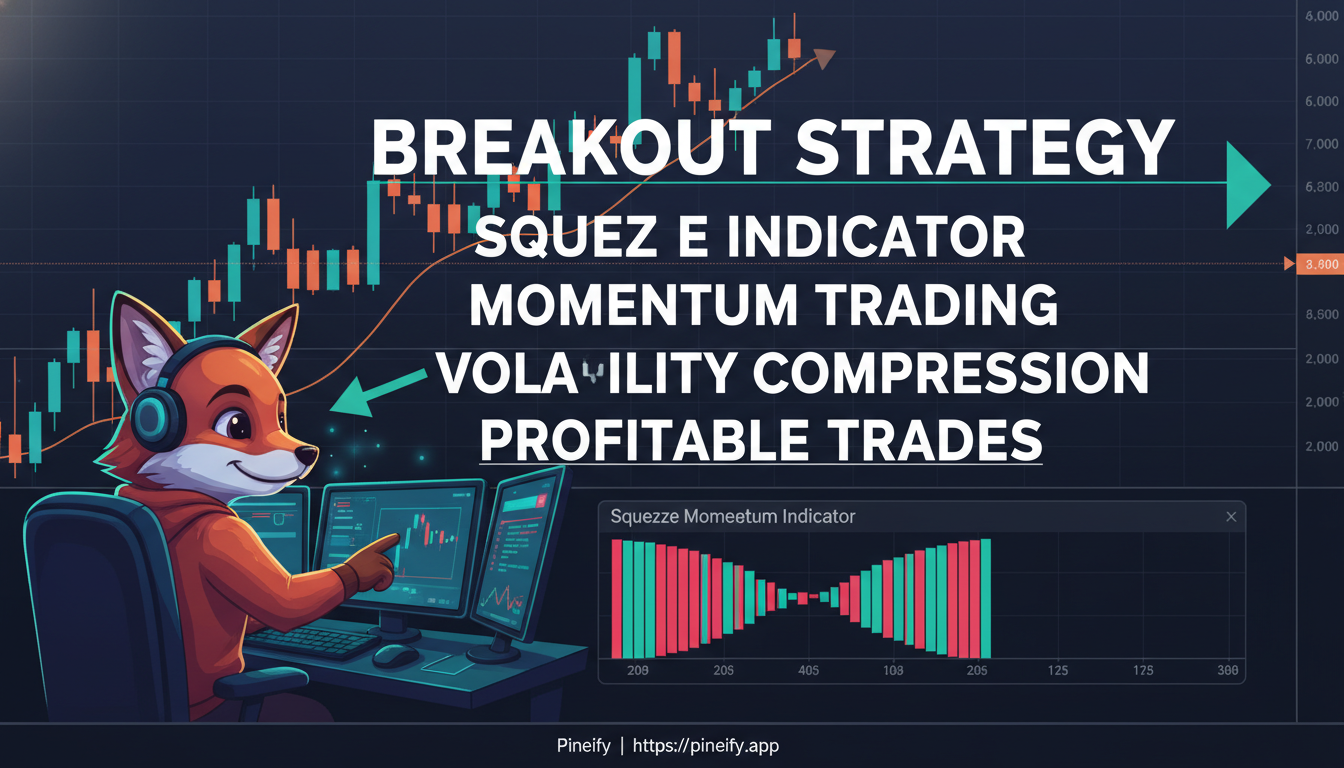
Best Squeeze Indicator TradingView Guide for Breakout Trading

· 17 min read

When it comes to spotting a market that's about to make a big move, many traders turn to the TTM Squeeze on TradingView. Think of it as a tool that listens for the quiet before the storm. Originally created by John Carter and made incredibly user-friendly by LazyBear on TradingView, it helps you identify those tight, quiet periods in price action that often lead to powerful breakouts.

It's popular for a reason. When you understand its signals, it can be a very effective part of your trading toolkit for timing your entries. This is similar to how understanding your chart setup, like choosing the best TradingView chart colors, can reduce eye strain and help you focus on these critical signals.

Best Squeeze Indicator TradingView Guide for Breakout Trading

Understanding the Squeeze Indicator: Spotting the Coil Before the Spring

So, how does it actually work? At its heart, the TTM Squeeze is a volatility gauge. It compares two common indicators you might already know: Bollinger Bands and Keltner Channels.

Here’s the simple idea:

  • Bollinger Bands measure standard deviation and react to volatility.
  • Keltner Channels are based on average true range and tend to be wider.

When the Bollinger Bands squeeze inside the Keltner Channels, it means volatility has dropped to a very low level. The market is essentially napping, but it's a restless nap—it's building up energy. This is what the indicator calls a "squeeze." It's like coiling a spring; the tighter the coil, the bigger the potential release.

The indicator gives you this info through easy-to-see signals right on your chart:

  1. The Dots: This is your main squeeze alert.

    • Red dots appear when the squeeze is on. The market is compressed, and you should be watching closely.
    • Green dots appear when the squeeze is off. The spring has started to uncoil, and volatility is expanding.
  2. The Momentum Histogram: This tells you which way the spring is likely to unwind. It uses a calculation to measure the underlying momentum.

    • Green or cyan bars suggest building bullish momentum.
    • Red bars suggest building bearish momentum.

By watching for the red dots (the squeeze) to switch to green dots (the release) while the momentum histogram is colored in your favor, you get a clearer signal for which direction to trade the impending breakout. For a deeper dive into momentum and trend-following concepts, our guide on the Belkhayate Timing Indicator for TradingView explores another popular approach.

Finding the Right Squeeze Indicator for Your Trading

If you're looking to spot when the market is coiling up before a big move, TradingView has several fantastic "squeeze" indicators built right in. They all work on the same core idea—measuring the relationship between Bollinger Bands and Keltner Channels to find periods of low volatility—but each has its own strengths.

Here’s a straightforward look at the top options available on the platform.

Indicator NameCreatorKey FeaturesBest For
TTM SqueezeJohn Carter (various implementations)Standard squeeze detection, momentum histogram, red/green dotsSwing traders, higher timeframes
Squeeze Momentum IndicatorLazyBearMost popular free version, customizable settings, clear visual signalsAll trading styles, beginners
TTM Squeeze ProBeardy_Fred/Simpler TradingThree compression levels (low/mid/high), early warning signals, advanced alertsActive day traders, capturing more opportunities
MTF Squeeze AnalyzertradeviZionMulti-timeframe analysis, screening multiple assets, customizable alertsMulti-asset traders, scanners
Squeeze Momentum StrategyLazyBear + PineIndicatorsAutomated strategy with position sizing, backtesting capability, ADX integrationStrategy testing, systematic trading

For most people starting out, the Squeeze Momentum Indicator by LazyBear is the go-to choice. It's free, reliable, and gives you that clear "a-ha" moment with its colored dots and histogram. It tells you when the squeeze is on and when momentum is starting to shift, which is really all you need to get started.

If you're trading more actively, you might graduate to something like TTM Squeeze Pro for its extra detail, or the MTF Squeeze Analyzer if you like to see the bigger picture across different time charts. It's all about picking the tool that fits how you like to watch the markets.

Taking Your Squeeze Strategy Further While these pre-built indicators are powerful, your true edge often comes from customizing logic to fit your specific rules. Manually coding a personalized version that combines squeeze signals with your other favorite conditions can be complex. This is where a visual builder like Pineify shines. It allows you to visually assemble the exact squeeze logic you want—using Bollinger Bands, Keltner Channels, or any of 149+ other indicators—and combine it with other analyses or candlestick patterns, all without writing a single line of code. You can even backtest your custom squeeze strategy directly on TradingView or the Pineify Editor to see how it would have performed.

Pineify Website

Getting Your Squeeze Indicator Set Up Just Right

Getting the most out of the Squeeze Indicator on TradingView comes down to setting it up to match how you trade. Think of it like tuning an instrument—the right settings make everything sound better.

Out of the box, the indicator uses some common, sensible defaults:

  • Bollinger Bands: 20-period basis with 2.0 standard deviations.
  • Keltner Channels: 20-period basis with a 1.5 ATR multiplier.

These are a great starting point, but don't be afraid to tweak them. The best settings depend heavily on what you're trading and your time horizon.

Here’s a simple way to think about adjustments:

  • If you're day trading or scalping... You're probably watching the 15-minute or 1-hour charts. On these faster timeframes, you might want slightly tighter settings to catch those quick intraday squeezes as they form. You can learn more about optimizing indicators for short-term charts in our guide on the best EMA for a 5-minute chart.
  • If you're a swing trader... The daily or weekly charts are your home. Squeezes here often lead to bigger, more sustained moves. The indicator really shines on these higher timeframes (like the 1-hour, 4-hour, and Daily charts) where the momentum it measures is more powerful and reliable.

Never Miss a Signal: Setting Alerts

The real magic happens when you combine a good setup with good alerts. You can't stare at the charts all day, but TradingView can watch them for you.

Setting an alert is straightforward:

  1. Right-click directly on the Squeeze Indicator plot on your chart.
  2. Select "Add alert on squeeze".
  3. A menu will pop up. Here, you can choose what triggers you. You can get notified when a squeeze starts, when it fires (the actual breakout), or when momentum changes color.
  4. For a catch-all, you can select the condition "Any alert() function call" and set it to an open-ended expiration. This way, you'll get pinged for any major signal.

Once your alerts are set, make sure your TradingView notifications are turned on for your browser or mobile app. This little bit of setup means you'll never miss a potential breakout, even when you're away from your screen. It lets the indicator do the hard work of watching, so you can focus on making decisions.

Trading Smart with the Squeeze Indicator

The biggest mistake traders make with the Squeeze is jumping in too early. Think of it not as a "buy now" signal, but as an alarm that says, "Get ready, something's about to happen." The real magic happens when you wait for confirmation. Here’s a straightforward way to use it.

Step-by-Step: From Signal to Entry

  1. The Warning: When you see red dots on the chart, the market is in a "squeeze." Volatility is very low, and price is coiling up. This is your cue to pay close attention, but not to enter a trade yet.
  2. The Clue: Look at the momentum histogram (the bars at the bottom of the indicator). It starts to build in one direction—either green bars growing upward or red bars growing downward. This gives you a hint about which way the price might break.
  3. The Trigger: The most reliable entry signal is the first green dot that appears after the squeeze. This "fires" the signal, telling you the breakout is likely starting.

Here’s a quick reference for what to look for:

What You SeeWhat It MeansWhat To Do
Red DotsThe squeeze is on. Price is coiling.Watch closely. Prepare, but don't trade yet.
Histogram builds (Green/Red)Momentum is gathering in one direction.Get ready to follow that direction.
First Green DotThe squeeze has fired; the breakout is likely beginning.Look for a confirmed entry in the direction of the histogram.

Trade with the Trend, Not Against It

Your entry should always consider the bigger picture. A squeeze breakout has a much higher chance of success if it’s moving with the prevailing trend.

  • In an Uptrend: Wait for the squeeze to fire (green dot) and then see green momentum bars increasing in size. That’s your confirmation for a long position.
  • In a Downtrend: After the squeeze fires, watch for red momentum bars expanding downward to confirm a short position.

A Useful Tip for Taking Profits

A typical momentum move from a squeeze signal lasts about 8 to 10 bars on your chart. This is true whether you're looking at 5-minute bars or daily bars. It’s not a hard rule, but it's a great guideline for figuring out where to take some profits off the table. For more advanced profit-taking techniques, you can explore our guide on how to set multiple take profits on TradingView.

Don't Let It Work Alone

No single indicator has all the answers. The Squeeze works best with a few friends:

  • For Trend Strength: Pair it with the ADX indicator. A strong ADX reading (above 25) confirms the trend has power behind it.
  • For Extra Confirmation: Tools like the RSI or MACD can help confirm if momentum is truly shifting in your favor.
  • For Pinpointing Entries: Always check key support and resistance levels on your chart. Look for candlestick patterns (like a bullish engulfing at support) right as the squeeze fires. This combo is powerful.
  • For Validity: Watch the volume. A real, strong breakout usually comes with a noticeable increase in trading volume. A breakout on low volume is more suspicious.

At its heart, trading with the Squeeze is about patience and confirmation. It helps you avoid the noise and focus on the moments when the market is ready to make a real move. Wait for the setup, check for alignment, and then act.

Getting the Most from Your Squeeze Indicator: Common Pitfalls

Think of the squeeze indicator like a coiled spring. The tricky part isn't spotting the coil, but knowing when it's about to snap in your desired direction. A lot of the frustration traders feel comes from a few common, avoidable missteps.

Jumping the Gun on the First Signal The most eager mistake is entering a trade the moment that first green dot appears. That dot tells you the squeeze is releasing, but not necessarily which way. You need to wait for the histogram—those bars at the bottom—to clearly start growing in the direction of your trade. If you don't wait for this momentum confirmation, you can get caught in a false move that whipsaws you back and forth, especially in choppy markets.

Forgetting to Check the Market's "Weather" This indicator loves a good trend. But if the market is just bouncing sideways in a tight range, it will fire off signals that lead nowhere. Before you trust a squeeze, take a step back. Is the overall chart showing a clear direction, or is it consolidating? Using the squeeze in isolation, without this context, is a sure way to see its effectiveness drop.

Overtrading Every Little Blip Not every squeeze is a home run. On shorter timeframes, especially, there's a lot of market noise, and trying to trade every single signal will grind down your profits with commissions and small losses. The key is patience and selectivity. Wait for the high-quality setups where the squeeze aligns with other factors you watch, like a key support level or a moving average. Tools like the Squeeze Pro can help filter for the highest-compression setups, which often have the biggest explosive potential.

Getting More from the Market: Squeeze Pro vs. The Standard Version

If you're already familiar with the standard Squeeze indicator, you might be wondering what the "Pro" version really adds. Think of it like getting a more detailed weather forecast. Instead of just "rain likely," you get "light drizzle starting at 10 AM, heavy downpour by 3 PM." That extra detail helps you plan your day better.

The core upgrade is that Squeeze Pro spots three levels of market compression, not just one. Here’s what you see on the chart:

Dot ColorCompression LevelWhat It Tells You
OrangeHighExtreme tightening. The market is coiling up tightly, often before a big move.
RedMidThe classic, original squeeze signal. A reliable sign of standard compression.
YellowLowEarly, looser compression. A heads-up that pressure may be building.

Why does this matter for your trading?

Those orange (high-compression) dots are like the market taking a deep breath. When the volatility gets squeezed down that much, the subsequent move can be powerful. This is particularly useful if you're trading options, where catching these explosive moves is key.

The yellow (low-compression) dots act as an early warning system. They give you a nudge to start paying closer attention to a stock or asset, potentially before the classic red squeeze even appears. It's a chance to get ready.

For traders who watch the markets throughout the day, this multi-level view can be a game-changer. It helps identify more opportunities by catching smaller squeeze cycles that the standard indicator might not flag.

Is the standard version still good? Absolutely.

For most traders, especially those who focus on daily or weekly charts, the original LazyBear Squeeze is a fantastic, reliable tool. It keeps things simple and highlights the major setups. Squeeze Pro is for when you want that extra layer of detail—like having a sharper lens to see the finer grains of market pressure.

Frequently Asked Questions

What's a good squeeze indicator for someone just starting out on TradingView?

If you're new to this, the LazyBear Squeeze Momentum Indicator is a fantastic place to begin. It’s popular for a reason: the signals are visual and easy to read. You get clear red and green dots that show when the market is "squeezing," paired with a simple momentum histogram. This combo helps you spot potential trades without feeling overwhelmed, and there's a huge community around it if you ever have questions.

What chart timeframe works best with a squeeze indicator?

You’ll generally get cleaner, more reliable signals on higher timeframes. Think 1-hour, 4-hour, and daily charts. These tend to have better win rates and less market "noise."

  • For day trading, you can scale down to the 15-minute or 1-hour charts.
  • For swing trading, daily or even weekly charts are your friend.
  • It's usually best to avoid very low timeframes (like 1- or 5-minute charts), as they often generate false signals and can lead to rushed, poor decisions.

How accurate is the TTM Squeeze indicator?

On its own, no indicator is a crystal ball. But when used correctly—with good confirmation from price action and solid risk management—the TTM Squeeze can be a very powerful tool. You might see people mention win rates of 75% or better in the right conditions.

The key thing to remember is that accuracy depends heavily on the market. It performs best in strong trending markets and can be tricky in choppy, sideways ranges. For better results, most traders pair it with another tool or two, like the ADX (to gauge trend strength) or the MACD, to help confirm the signals.

Does the squeeze indicator work on everything—stocks, crypto, forex?

Yes, it's quite versatile. You can apply it to stocks, major indices, forex pairs, cryptocurrencies, and futures. It works especially well on assets that have strong momentum moves and good trading volume (liquidity).

A helpful tip: you might need to tweak the indicator’s settings slightly depending on what you’re trading. A volatile cryptocurrency and a stable blue-chip stock have different rhythms, so adjusting the parameters to match the asset’s personality can improve the signals.

Should I jump on every single squeeze signal I see?

Absolutely not. This is perhaps the most important piece of advice. The biggest mistake beginners make is overtrading every signal.

Be selective. Look for the high-quality setups:

  • Does the signal line up with the overall trend?
  • Is the momentum histogram strongly confirming the move?
  • Is the squeeze happening near a known level of support or resistance?

By filtering for only the best signals that check multiple boxes, you dramatically increase your chances of a successful trade and avoid getting worn down by false starts. Patience and selectivity are your real edges.

Your Next Steps: Putting the Squeeze Strategy to Work

You've got the theory down, so what now? It's time to move from understanding to doing. Here’s how to build your skills with the squeeze indicator, step by step.

First, just watch. Add the LazyBear Squeeze Momentum Indicator to your main chart. Don't place a single trade yet. Instead, pick your go-to timeframe and simply observe. Watch how those compression zones form, tighten, and finally release. You’re training your eyes to recognize the patterns, which is a skill that pays off for years.

Start a Trading Journal (Just for Squeezes) This is your most important tool. Create a log dedicated only to your squeeze setups. For each one, note:

  • Your entry and exit points
  • The reason you took the trade
  • The outcome and what you learned

Over time, you’ll see patterns in your own performance. Which timeframes work best for you? Do you have better results with certain stocks or currencies? Double down on what works for you.

Practice Without Pressure If you're new to this, consider paper trading. It’s the perfect way to test your read on the signals and your trade timing, without any risk to your real account. It builds confidence.

Build Out Your System The squeeze indicator is powerful, but it gets even better with friends. Try combining it with:

  • Key support and resistance levels
  • Simple moving averages for trend context
  • Volume spikes to confirm breakouts

These layers help you build a fuller picture and make more informed decisions. If you're interested in automating your analysis, you might explore an AI Pine Script Generator for TradingView to help prototype custom indicator combinations quickly.

Connect with Other Traders You don't have to figure it all out alone. Jump into TradingView communities and forums. Traders often share their squeeze charts and discuss what they’re seeing. It’s a great way to learn different perspectives and sharpen your own.

Consider Leveling Up As you get comfortable, you might explore the Squeeze Pro version. It can show you multiple levels of market compression, which might reveal extra opportunities as your strategy evolves.

Set It and Forget It (Almost) Use the alert feature. Set up custom notifications for when a squeeze starts forming on the instruments you watch most. This way, you won’t miss a potential setup, but you also won’t have to stare at the charts all day. It helps you stay balanced and avoid burnout.

Finally, remember this: consistency beats excitement. The goal isn’t to trade every single squeeze flash on your screen. The goal is to patiently and deliberately execute the setups that match your well-practiced plan. Profitable trading is a marathon, not a sprint.