Pineify Options Flow and Dark Pool: Compare Two Different Records

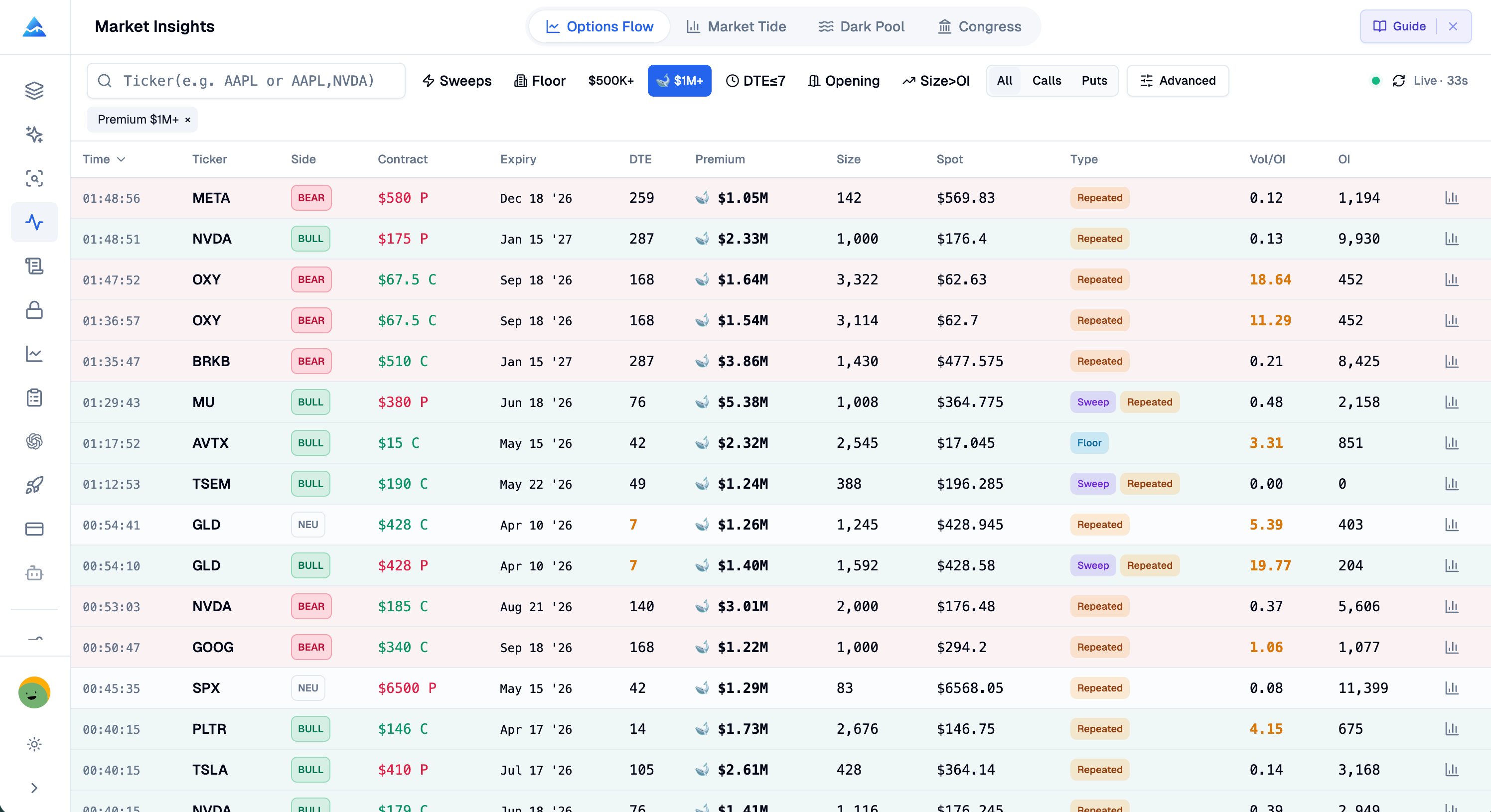
Options flow and dark-pool records describe different instruments. One concerns option contracts; the other concerns reported equity transactions. Pineify Market Insights lets you inspect both, but their dollar values and directional labels should not be treated as interchangeable evidence of a hidden institutional position.
Compare like quantities
An option premium is the amount associated with the option transaction. An equity trade's dollar value reflects shares multiplied by execution price. Equal dollar figures do not mean equal directional exposure, maximum loss, or holding period.
For a hypothetical example, a $1 million call-premium alert and a $1 million equity print are two observations of size. You would still need contract details, option sensitivities, trade context, and ownership information to compare the positions. Neither observation reveals the participant's full portfolio.
| Record | Inspect first | Do not infer from size alone |
|---|---|---|
| Options alert | Call/put, strike, expiry, event time, premium, grouping | A new directional bet |
| Equity print | Ticker, time, price, shares, venue field, quote context | A new institutional holding |
| Summary statistic | Active filters, record count, date range | Whole-market activity |
How the Dark Pool page assigns size tiers
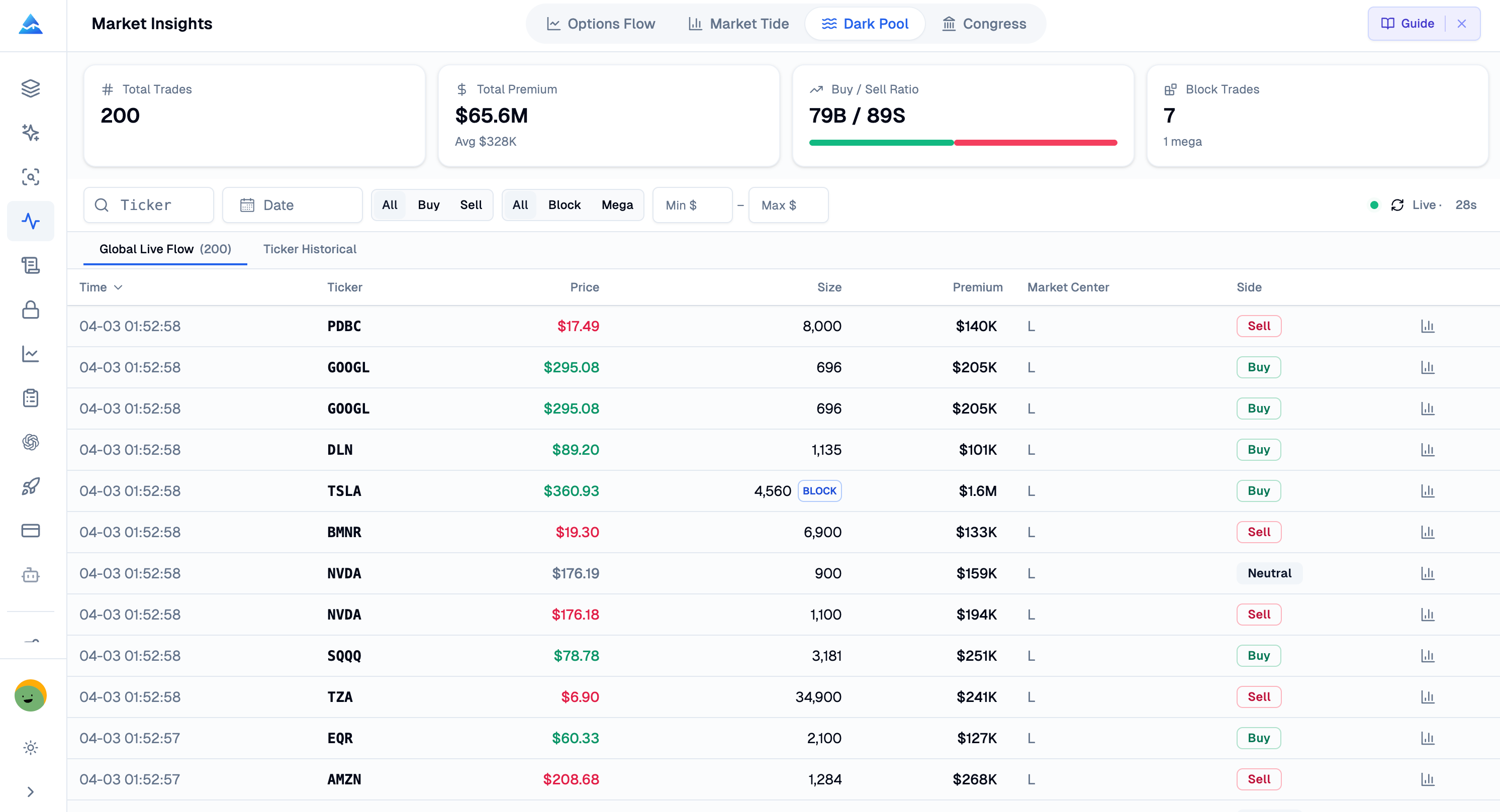
The current app classifies reported dollar value into four tiers:
| Tier | Dollar value |
|---|---|
| Normal | Below $100,000 |
| Large | At least $100,000 and below $1 million |
| Block | At least $1 million and below $5 million |
| Mega | At least $5 million |
These are application categories. They are not a universal exchange definition of a block trade, and the current labels are not based on a fixed 10,000-share cutoff. A tier does not establish the identity or sophistication of a trader.
What the buy and sell estimates mean
For an equity record, Pineify compares the execution price with the midpoint of the supplied NBBO bid and ask. Above midpoint is labeled buy; below midpoint sell; exactly at midpoint neutral. Missing or unusable quote context can also produce a neutral result.
Suppose the bid is $99 and the ask is $101. The midpoint is $100. A hypothetical print at $100.20 receives a buy label, while a print at $100 receives neutral. This demonstrates the classification only; it is not a recommendation or evidence that either price will act as support.
The method estimates trade side. It cannot prove whether the transaction opened or closed a position, identify a beneficial owner, or show that the buyer intends to hold. Quote timing and market conditions matter when interpreting the estimate.
Options Flow uses a different rule involving call/put type and ask-side or bid-side premium shares. Do not transfer the equity midpoint rule to every options alert. See the options flow reading article for that classification.
Off-exchange is a broader category than dark pools
FINRA distinguishes ATS activity, including dark pools, from other off-exchange trading such as broker-dealer internalization. Its market-venue explanation also explains that reported trades enter public transaction reporting.
A dashboard label or an off-exchange volume percentage does not establish that every included record came from a dark pool. Use the supplied venue information and provider definition. Large reported trades do not automatically reveal hidden accumulation, and historical volume at a price does not guarantee a future support or resistance level.
Know which sample a summary describes
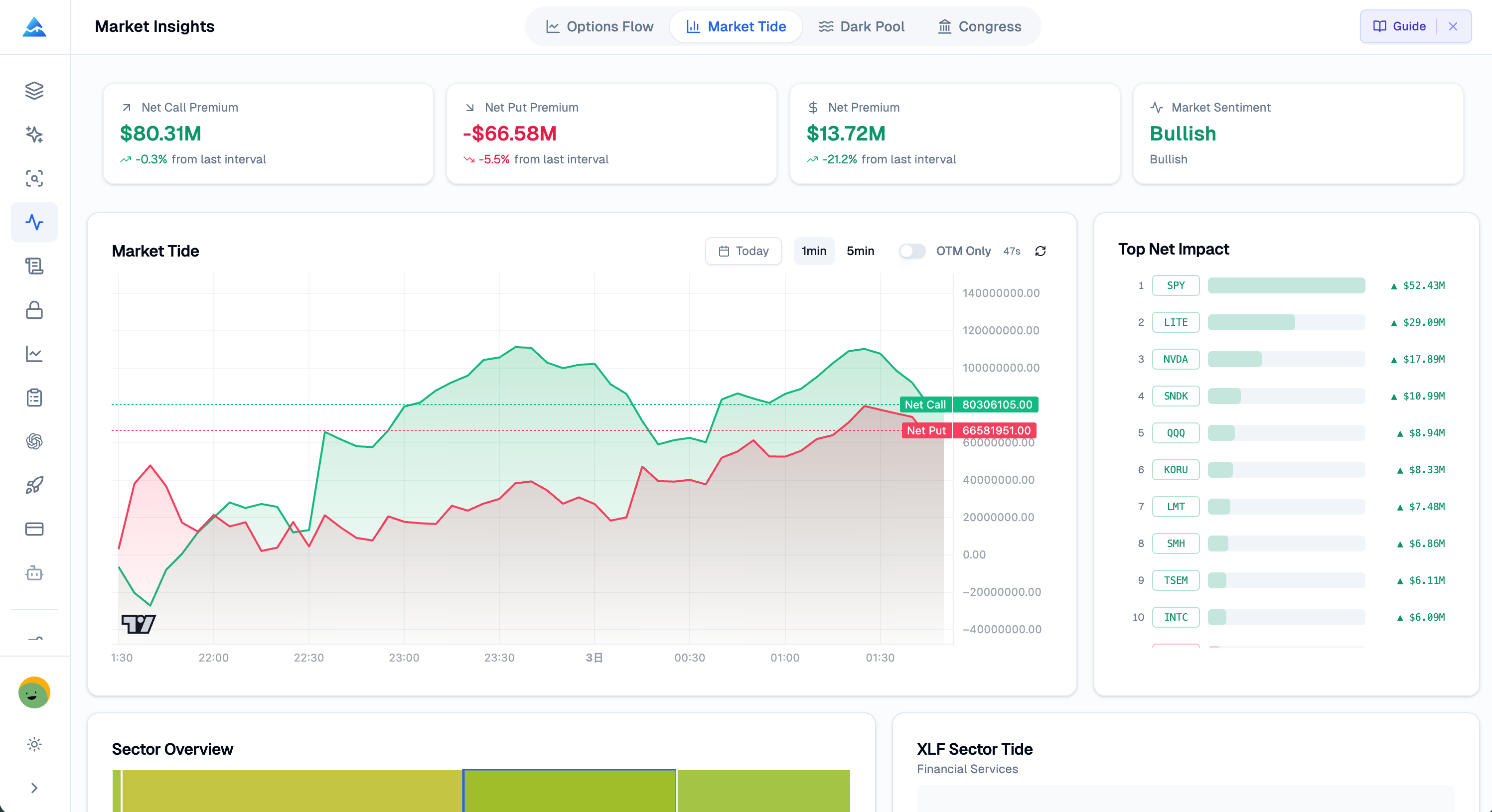
The Dark Pool page offers global and ticker views, server-side request filters, and additional client-side side or size filters. Its displayed statistics are calculated from the filtered returned rows. They do not necessarily describe all transactions in the symbol or session.
Changing a limit or filter can change total premium, average premium, and buy/sell counts without any change in the underlying market. Retain the settings when comparing screenshots or notes. An empty result can mean a narrow filter, incomplete coverage, an unavailable response, or no matching records in that request.
Check two refresh clocks
The current Dark Pool page polls every 30 seconds while active; Options Flow polls every 60 seconds. Both use requests that may be cached. Hidden pages pause polling and request an update when active again. This is not a sub-second streaming guarantee.
Compare event timestamps as well as the last successful refresh. A recent page refresh can still display an older transaction. This article does not establish a 50,000-trade daily coverage guarantee or a latency benchmark.
Use disagreements to refine the question
If options labels and equity-side estimates differ, first check the date, symbol, filters, and instrument definitions. The records may describe different horizons or different participants. There is no requirement that they agree, and disagreement alone does not justify tightening a stop or reversing a position.
Market Tide and congressional disclosures can provide additional research context, but each has its own aggregation or reporting limits. Use Pineify Market Insights with the account access available under current terms. Before applying an observation to a trading rule, specify how that rule will be tested with data available at the decision time.
Does a Mega label prove an institution bought the stock?
No. It is a dollar-value category. The record and side estimate do not identify the beneficial owner or establish a new position.
Is a midpoint trade classified as a buy?
In the current equity-side rule, exactly at the NBBO midpoint is neutral. Above midpoint is buy and below midpoint is sell.
Can I compare option premium directly with equity trade value?
You can compare the reported dollar figures, but they measure different instruments and do not imply equal exposure or risk.
Do the totals cover the whole market?
The page statistics describe the filtered returned sample. Check request limits, coverage, dates, and filters before drawing a broader conclusion.