

Advanced Condition Editor
Create advanced trading indicators and strategies with Pineify's Condition Editor, combining indicators and built-in variables for precise entry and exit signals.
Pineify's condition editor allows you to combine indicators and signals. This editor lets you:
-
Mix technical indicators for complex trading conditions
-
Adjust your strategy with built-in variables
-
Set specific entry and exit signals for trading algorithms
Our condition editor helps you create trading strategies that fit your needs and market understanding.
The interface lets you build trading rules using technical indicators, price patterns, and custom variables. You can combine conditions to set entry and exit signals for your strategies.
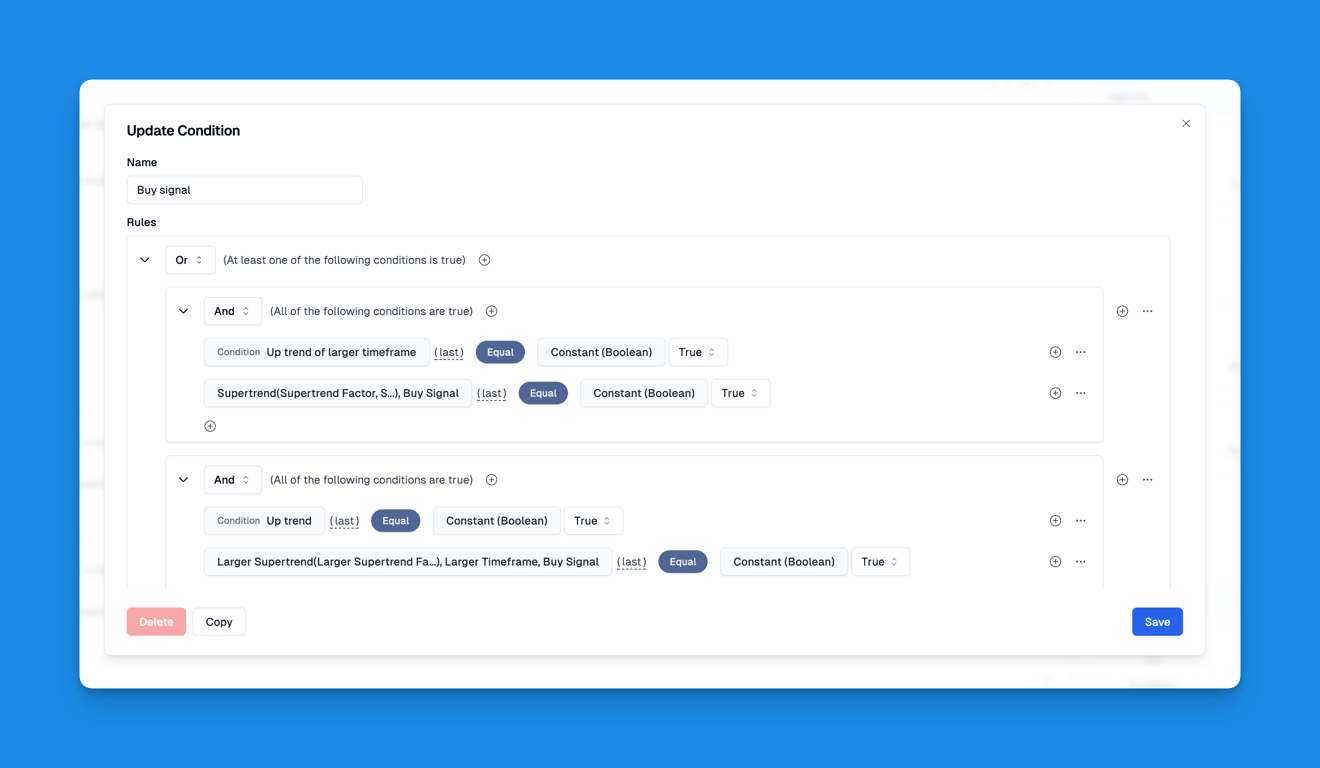
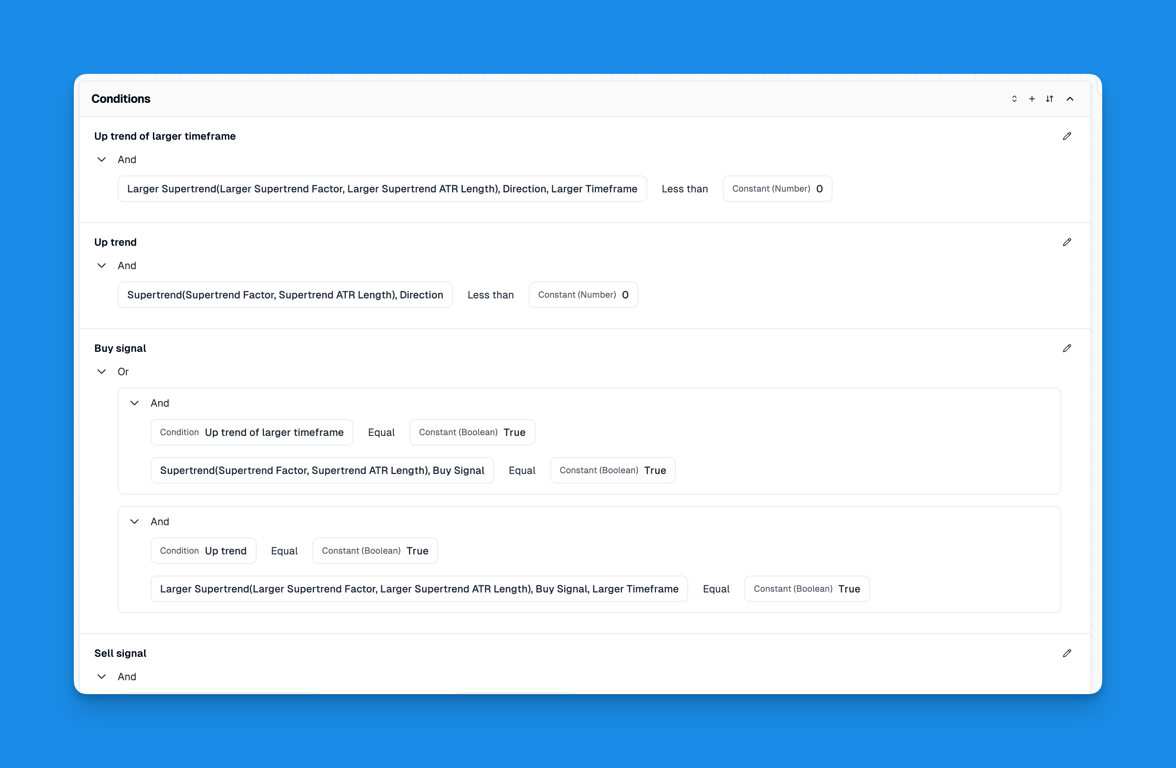
Features
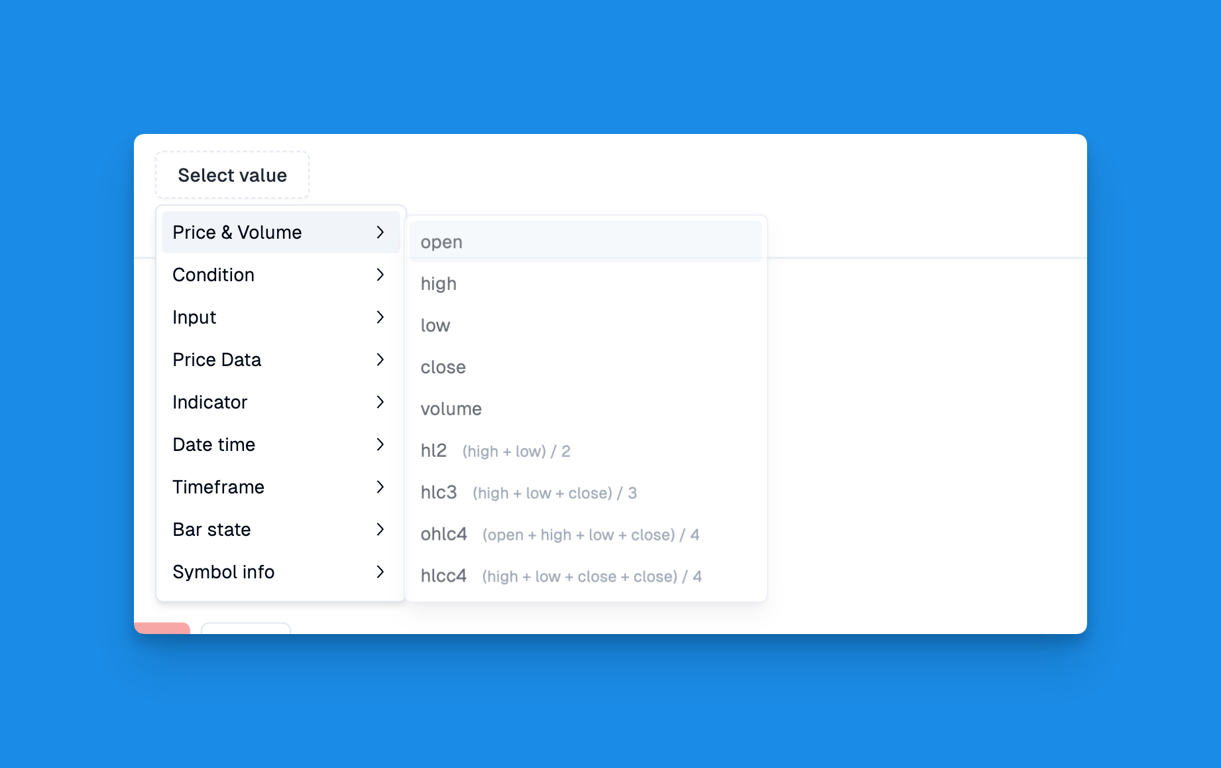
Our condition editor offers these key elements for building trading conditions:
-
Price & Volume: Use market data for entry and exit points
-
Condition Linking: Combine conditions for complex strategies
-
Custom Inputs: Add user-defined variables for flexibility
-
Price Data: Access open, high, low, close prices
-
Indicators: Use technical indicators for trend analysis
-
Date: Set time-based conditions
-
Timeframe: Choose different time intervals
-
Bar State: Check current market conditions
-
Symbol Info: Include asset-specific details
-
Strategy: Access position information, profit status, and other strategy-related data for real-time adjustments
The Condition Editor lets you create custom trading indicators and strategies that fit your approach and market knowledge.
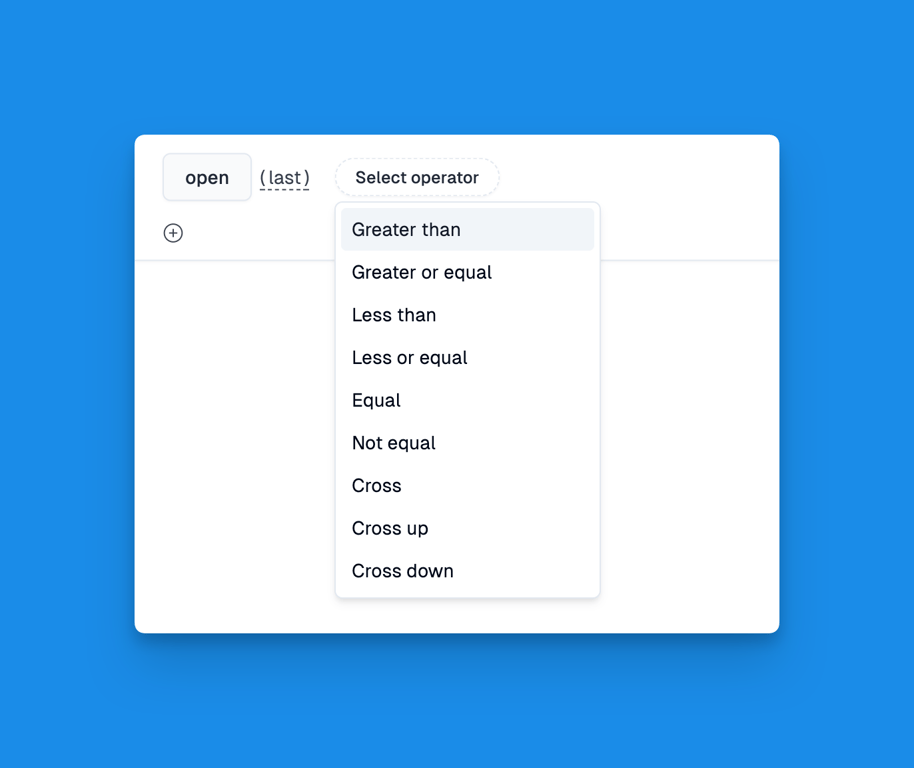
The condition editor offers basic comparison operations for building trading rules. These include "greater than", "less than", "equal to", "cross up", "cross down", and so on. You can use these to set up specific conditions for your trading strategies. Examples include price breakouts, indicator crossovers, or particular market situations. By putting these operations together, you can make detailed, layered conditions that match your trading approach and market understanding.
Elevate your trading with Pineify's Advanced Condition Editor. This tool lets you create custom strategies matching your market insights. Combine indicators, price data, and variables to generate precise entry and exit signals. Our user-friendly interface suits both experienced and novice traders, allowing easy strategy development and refinement. Optimize your trading and potential profits with Pineify.
Multiple Symbols And Timeframes
Access multiple symbols and timeframes with Pineify for enhanced trading insights, trend confirmation, and accurate custom indicators.
Custom Inputs, Alerts and Plots
Customize trading indicators with Pineify's flexible inputs, powerful alerts, and versatile plots for enhanced market analysis and smart trading.