1315 posts tagged with "Pine Script"

Blog posts related to the PineScript

View All Tags

What Are Ticks in TradingView: A Comprehensive Guide

· 16 min read

Pineify Team
Pine Script and AI trading workflow research team

If you want to see what's really happening in the markets, moving beyond simple time-based charts is key. That's where understanding ticks in TradingView comes in. It's a way to look at the market based on pure trading activity, not just the clock.

This post will break down what ticks are, how you can use them on TradingView, and why they can be such a powerful tool for your trading strategy.
What Are Ticks in TradingView: A Comprehensive Guide

How to Separate Volume from Chart in TradingView

· 10 min read
Pineify Team
Pine Script and AI trading workflow research team

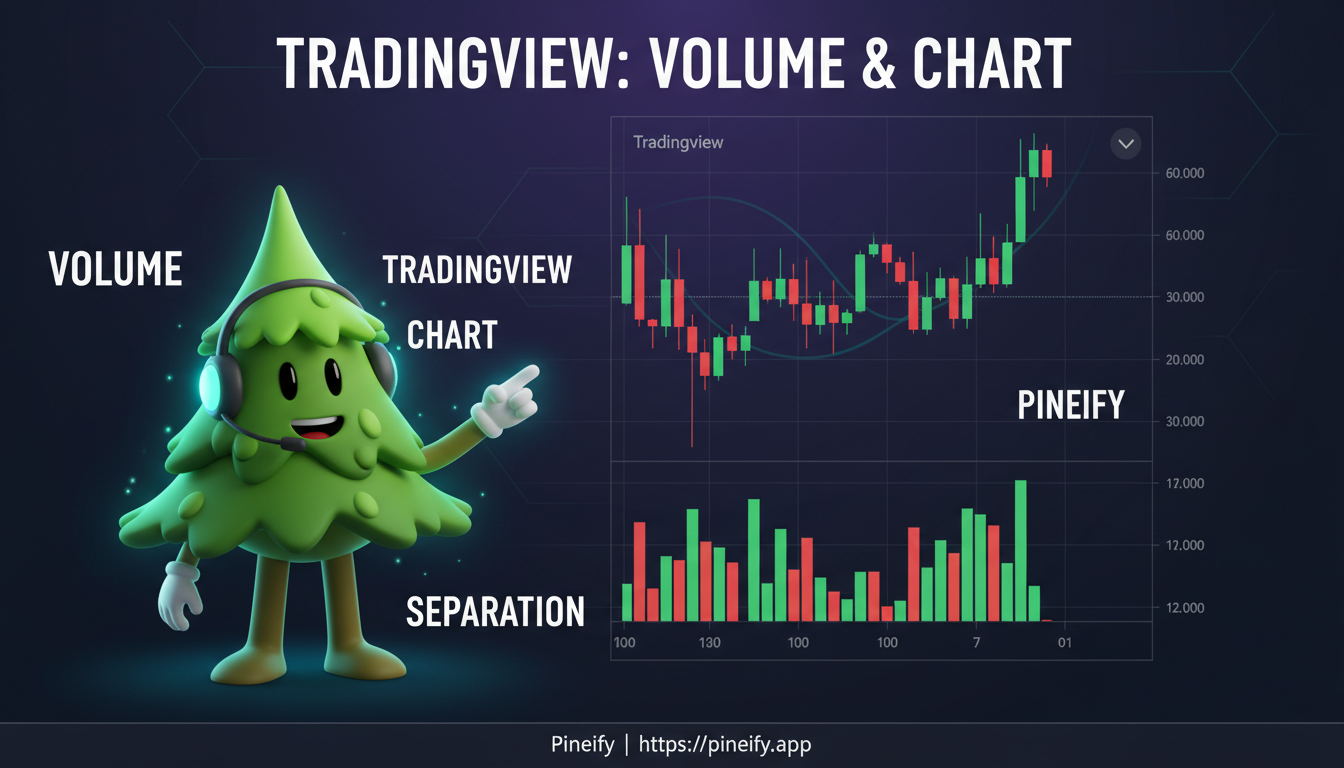
Separating the volume indicator from your main TradingView chart is like clearing off a cluttered desk—it suddenly becomes much easier to focus and see what's really going on. By moving volume into its own little window below, you can clean up your chart, get a clearer picture of how price and volume work together, and ultimately make more confident trading decisions.

How to Separate Volume from Chart in TradingView

TradingView Options Strategy Builder: A Comprehensive Guide to Crafting Winning Options Strategies

· 12 min read
Pineify Team
Pine Script and AI trading workflow research team

TradingView's Options Strategy Builder is like having a built-in trading lab right on your charts. It lets you design, see, and test out your own custom options strategies without needing to switch between a bunch of different apps or complicated spreadsheets.

Think of it as your personal workshop for building and stress-testing trades. Whether you're just starting out or have been trading for years, this tool helps you see the potential risks and rewards of a strategy before you ever place an order.

TradingView Options Strategy Builder: A Comprehensive Guide to Crafting Winning Options Strategies

TradingView cracked: risks, safer alternatives, and how to protect your trading

· 20 min read
Pineify Team
Pine Script and AI trading workflow research team

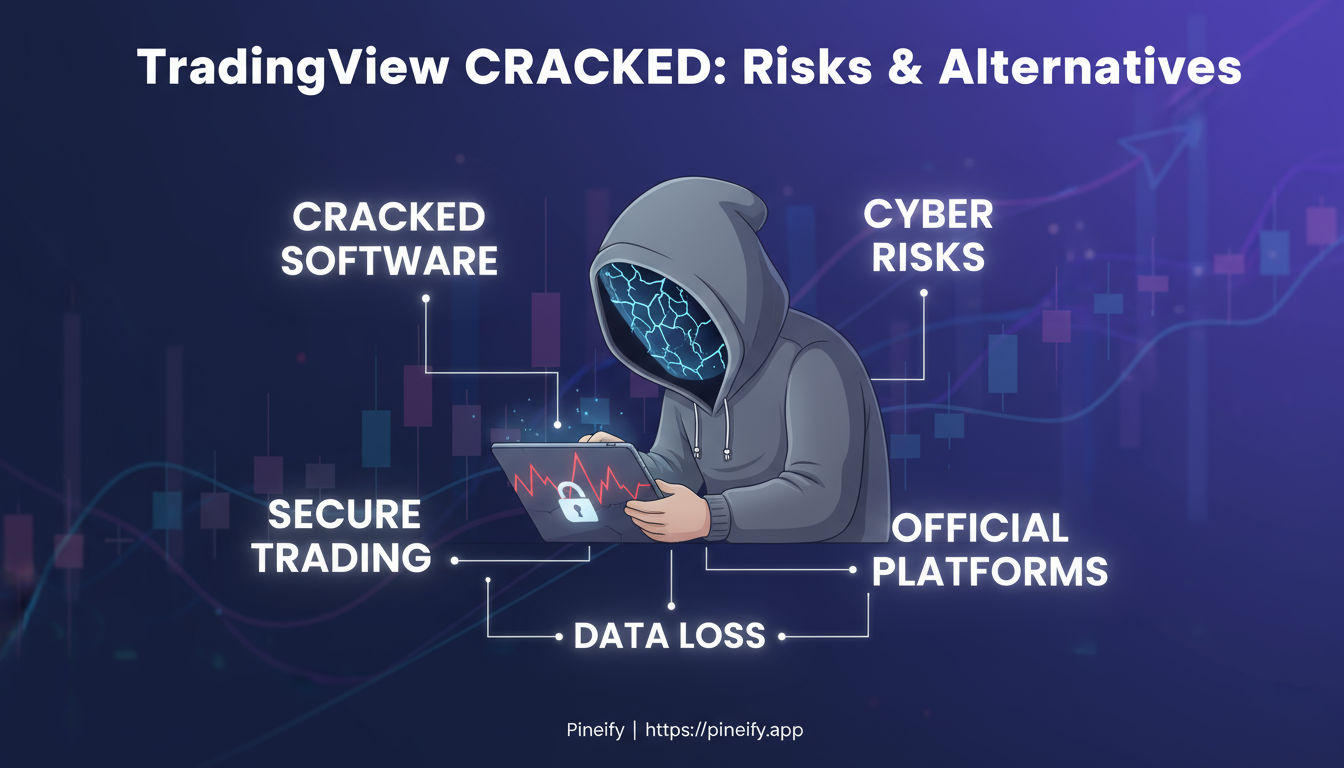
If you're looking for a "TradingView cracked" version, let's have a real talk for a second. Those unofficial, pirated copies aren't just a shady gray area—they're a direct threat to your financial security and personal data. They're often loaded with traps designed to steal your crypto, drain your accounts, and compromise your identity. The good news is that there are completely safe and legal ways to get almost all the features you're after without putting everything you own at risk. This guide will walk you through the real dangers, how these scams actually work, what warning signs to look for, and the best legitimate alternatives and tricks to get premium-level charting without the nightmare.

TradingView cracked: risks, safer alternatives, and how to protect your trading

Hull Suite Indicator TradingView: How to Spot Trend Changes 3x Faster Than Regular Moving Averages

· 11 min read
Pineify Team
Pine Script and AI trading workflow research team

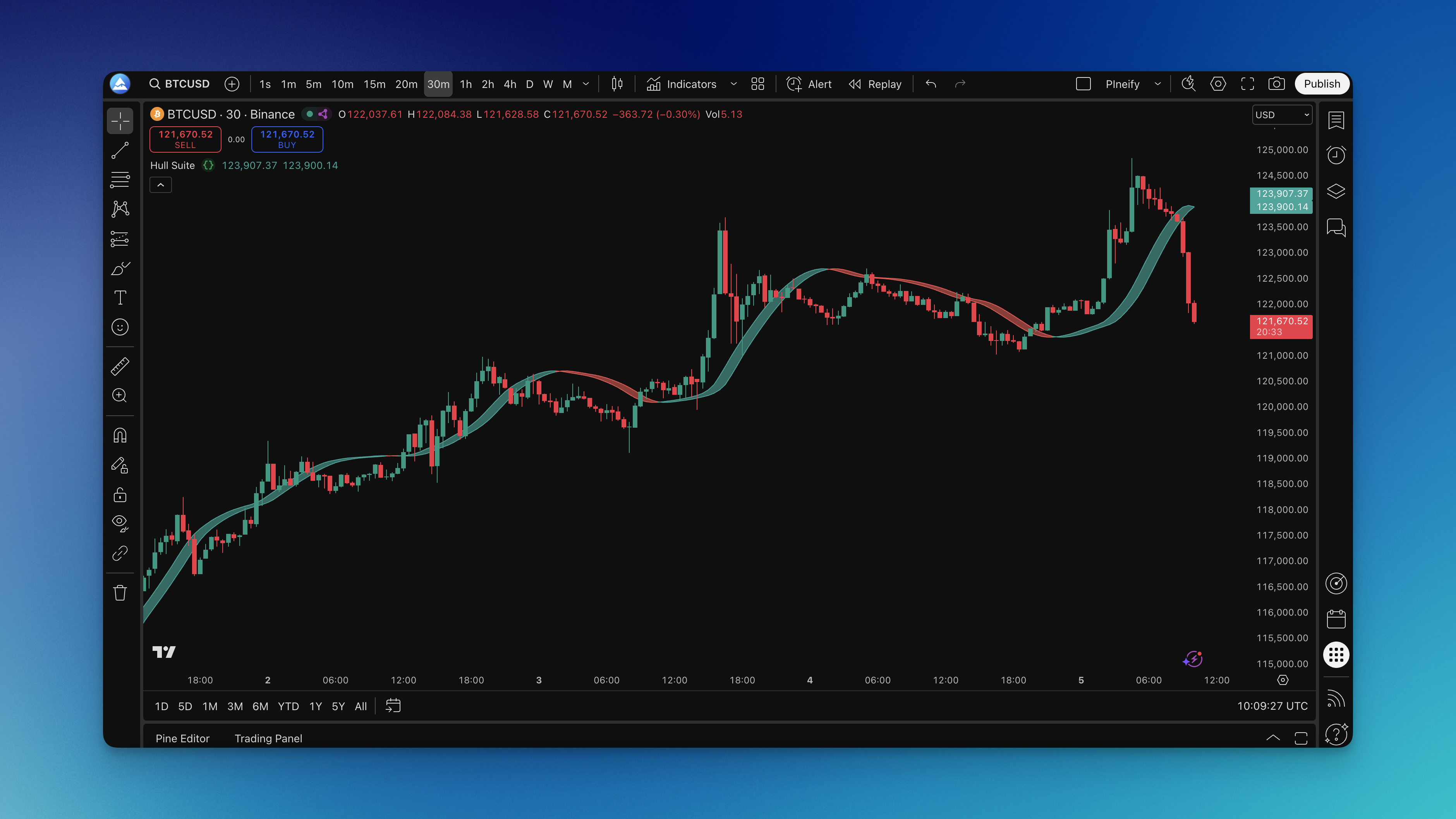
You know that frustrating moment when your moving average finally signals a trend change, but the price has already moved 50 points? Yeah, we've all been there. The Hull Suite indicator was designed to solve exactly this problem by combining three different Hull moving average calculations that actually keep up with price action instead of dragging behind it.

What makes the Hull Suite special isn't just speed—it's the way it balances responsiveness with reliability. You get three Hull moving average types in one clean package: the classic Hull Moving Average (HMA), the faster Exponential Hull Moving Average (EHMA), and the smoother Triangular Hull Moving Average (THMA). The indicator paints everything with color-coded bands that make trend direction obvious at a glance.

Hull Suite Indicator on Chart

Volume Oscillator Indicator: How to Read Smart Money Flow and Catch Market Moves Early

· 9 min read
Pineify Team
Pine Script and AI trading workflow research team

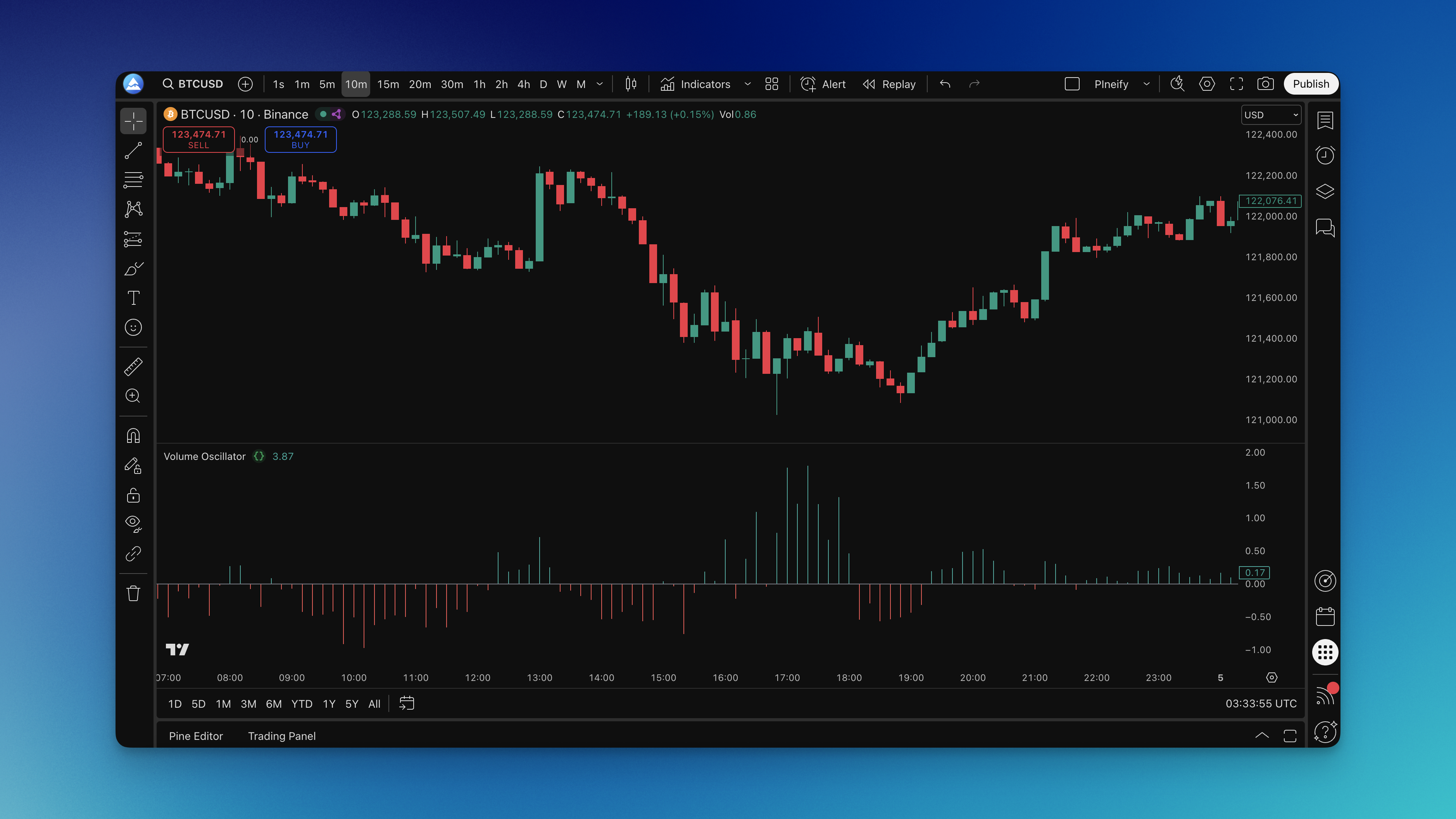
You know that feeling when price suddenly jumps and you're left wondering "where did that come from?" The Volume Oscillator indicator helps you see those moves coming by tracking something most traders ignore: the relationship between volume and price direction.

Think of it this way - when your neighbor starts loading boxes into a moving truck, you know something's happening before they announce they're moving. Similarly, when big players start accumulating or distributing shares, the Volume Oscillator picks up on this activity before it shows up in price action.

This isn't just another momentum indicator. It's specifically designed to show you whether buying pressure or selling pressure is driving the market. When prices rise on heavy volume, you get positive readings. When they fall on heavy volume, the oscillator turns negative. Simple, but incredibly powerful for timing your entries and exits.

Volume Oscillator Indicator on Chart

How to Put Multiple Charts on TradingView: A Step-by-Step Guide

· 11 min read
Pineify Team
Pine Script and AI trading workflow research team

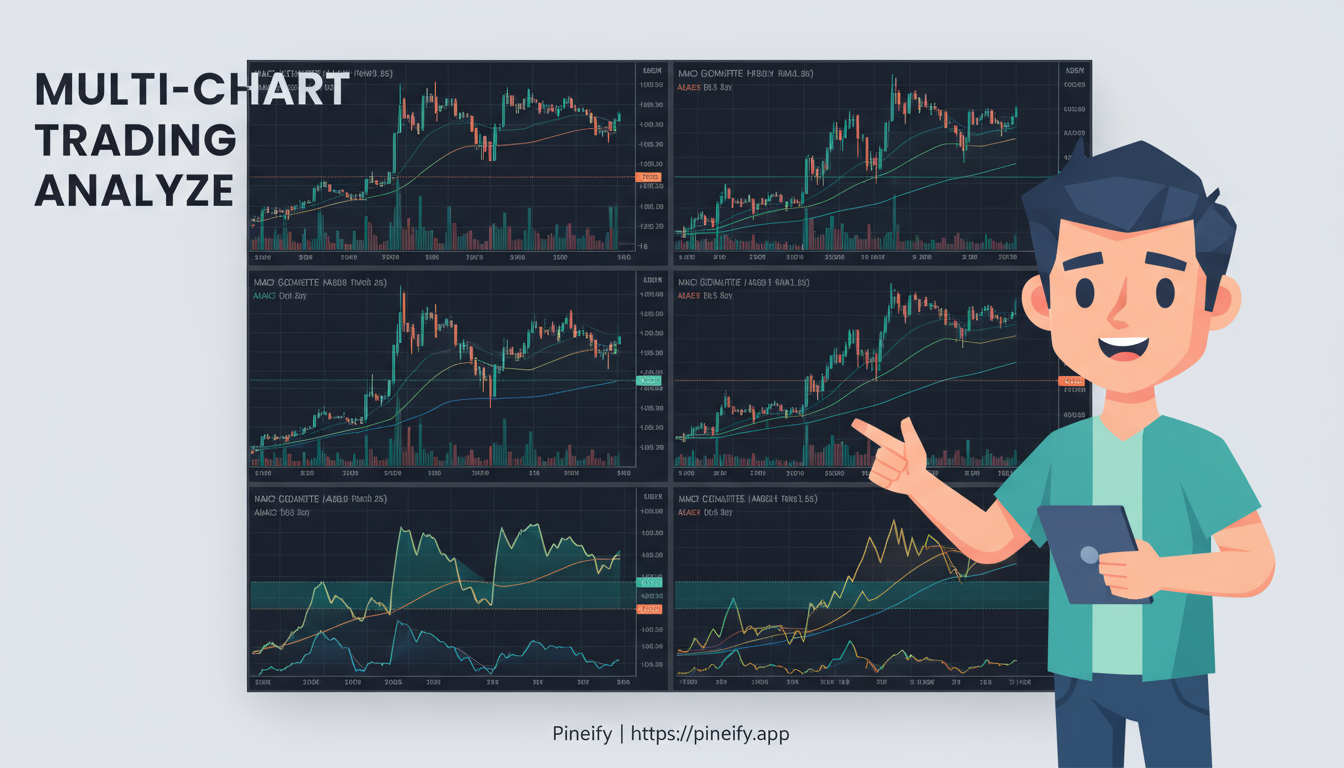
TradingView's multi-chart layout is a game-changer if you're trying to keep an eye on several things at once. Imagine having up to eight different charts open on one screen, all updating in real-time. It lets you see how different assets—like stocks, forex, or crypto—are moving together or against each other, and how trends look across various timeframes, all without needing to flip back and forth between tabs. This side-by-side view helps you connect the dots and make decisions with more context.

How to Put Multiple Charts on TradingView: A Step-by-Step Guide

RRR Calculation: The Trading Metric That'll Save Your Account (Or Your Sanity)

· 9 min read
Pineify Team
Pine Script and AI trading workflow research team

So you're frantically searching "calculate RRR" at midnight, huh? Been there. That sinking feeling when your P&L looks like a horror movie - yeah, we've all been that trader.

Here's the thing nobody tells you about Risk-Reward Ratio (or RRR, or R:R, whatever your Discord calls it) - it's stupidly simple on paper. Like, embarrassingly simple. Reward divided by risk. That's it. But here's where it gets interesting... and where most traders completely mess it up.

TradingView Custom Screener Pine Script: A Comprehensive Guide for Traders

· 19 min read
Pineify Team
Pine Script and AI trading workflow research team

TradingView's custom screener, which you can build with Pine Script, is a game-changer for finding trading opportunities. It lets you move beyond the basic, pre-set filters and create your own personalized market scans. Essentially, it combines the power of simple coding with a powerful scanner to help you spot your ideal trading setups quickly and efficiently.

TradingView Custom Screener Pine Script: A Comprehensive Guide for Traders

DIY Custom Strategy Builder vs Pineify: Which Trading Tool Actually Works Better in 2026?

· 8 min read
Pineify Team
Pine Script and AI trading workflow research team

Ever stared at TradingView charts thinking "I wish I could combine these three indicators into one custom strategy" but then remembered you can't code? Trust me, I've been exactly where you are right now.

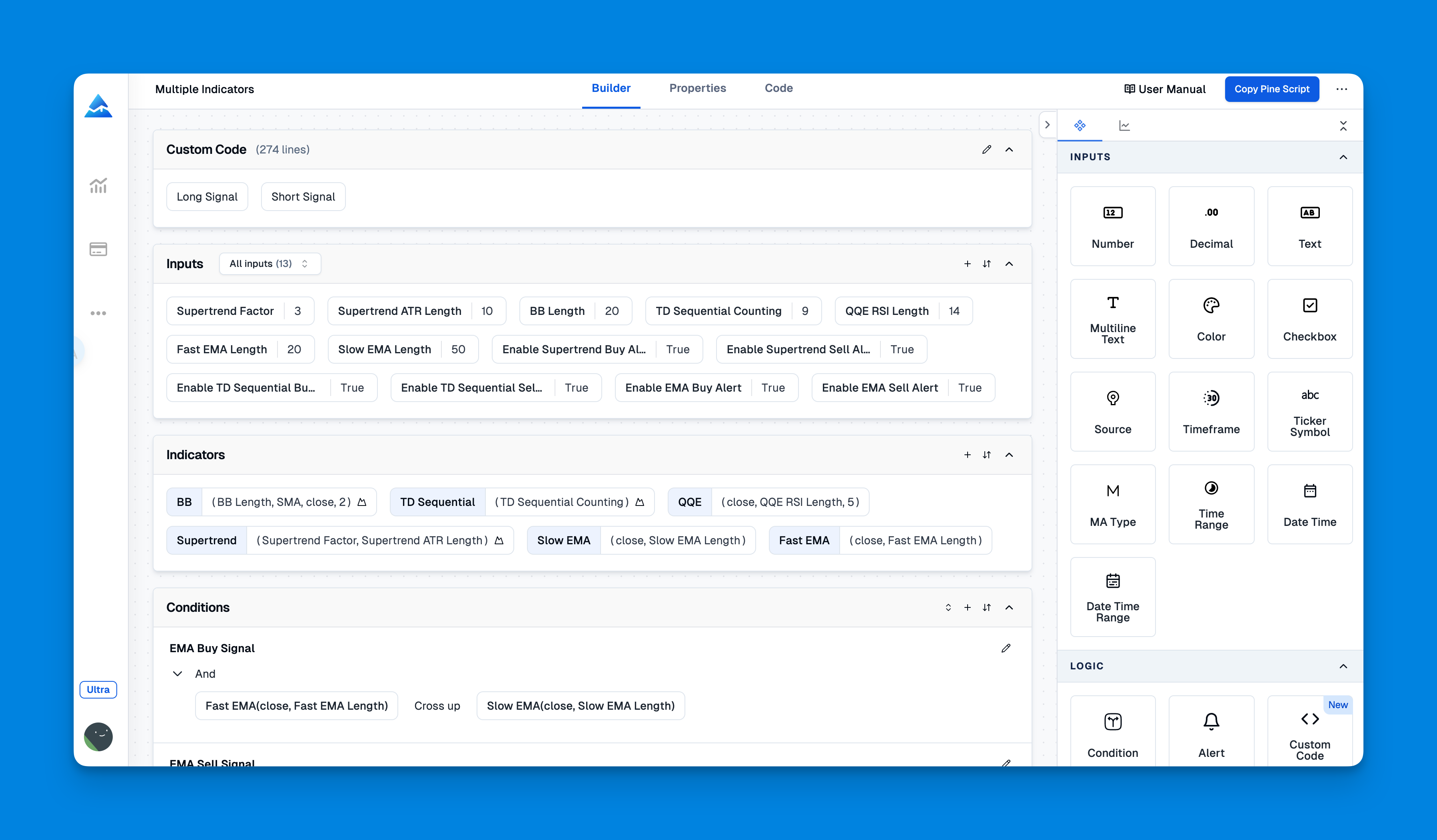
After months of manually checking multiple indicators and missing profitable trades, I decided to test two popular no-code strategy builders: DIY Custom Strategy Builder and Pineify. I spent weeks putting both platforms through their paces, testing everything from basic indicator combinations to complex multi-timeframe strategies.

Here's what I discovered after building 20+ strategies on each platform.

Pineify vs DIY Custom Strategy Builder comparison for TradingView trading strategies