

Compare different asset types
Keep stocks, options, FX, crypto, and indexes in one view with an asset-type label that makes the comparison legible.
Pineify Finance Agent can bring selected stocks, options, currencies, crypto assets, and indexes into one consistent snapshot. Use the view to compare price, session change, open-high-low range, volume, market status, and asset type before deciding where deeper research is needed—not as a live trading terminal or a standalone signal.
Opens Finance Agent with a multi-asset snapshot question ready to send.
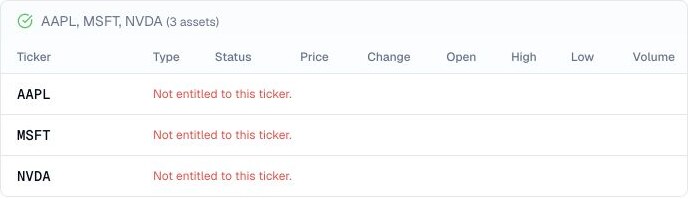
A common view across asset classes
The tool requests Massive’s unified snapshot endpoint, using exact symbols such as AAPL, C:EURUSD, X:BTCUSD, or I:SPX; options require a full O:-prefixed contract symbol. It returns 10 rows by default and at most 50. Larger watchlists need separate explicit batches because the tool does not follow continuation pages.
The table’s price field may come from a last trade, quote midpoint, session close, or provider fair value; indices use their index value when supplied. These observations have different meanings and times. Ask for the raw source field and timestamp before comparing two rows; the table does not display all available timing fields.
Use cases
Keep stocks, options, FX, crypto, and indexes in one view with an asset-type label that makes the comparison legible.
Review price, session change, open-high-low range, volume, and market status to find relative strength, weakness, or unusual activity.
Use the broad snapshot to prioritize a quote, news, fundamentals, options, or macroeconomic follow-up for the assets that matter.
Prompt examples
FAQ
Use a unified snapshot to spot relative moves, then verify entitlement, timestamps, liquidity, asset-specific definitions, and primary market data before acting.
Open Finance AgentFor informational and research use only. No output is investment advice or a guarantee of future performance.