

Find a review period
Choose a journal and inclusive start/end dates. Entries are listed newest diary date first, with 20 per page by default and at most 50; ask for the next page before summarizing the whole period.
Pineify Finance Agent can browse your diary by date or read a selected entry in full. Discuss the saved review within your own conversation without changing it.
Opens Finance Agent with a journal request ready to send. Advanced or higher is required.
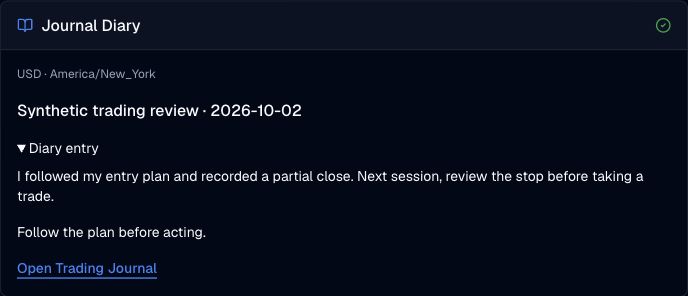
Your personal trading records
Browse diary entries by date or read a selected entry in full, then discuss your trading process within your own conversation.
Journal capabilities are available in Finance Agent on Advanced or higher. Your journal content may enter the model context and your own chat history; this capability does not add a public conversation or sharing workflow.
Use cases
Choose a journal and inclusive start/end dates. Entries are listed newest diary date first, with 20 per page by default and at most 50; ask for the next page before summarizing the whole period.
Select an entry from the list to retrieve its full saved text and lessons. This tool omits attached screenshots; open Trading Journal to inspect those separately.
Discuss the notes and lessons you saved without treating them as instructions to modify records.
FAQ
Select an existing ledger, check its currency and timezone, and describe the record you want to read or save.
Open Finance AgentFor informational and research use only. No output is investment advice or a guarantee of future performance.