

Correct a recorded detail
Read the target trade, then explicitly request the field correction you need.
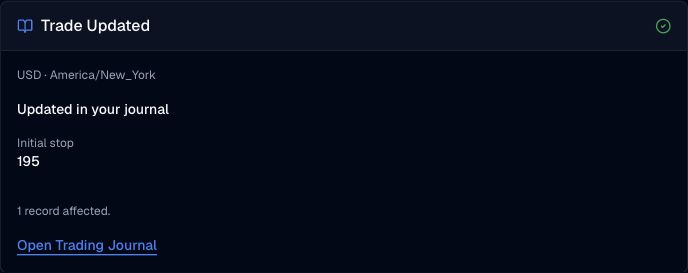
Pineify Finance Agent can update specified fields in an owned journal trade after reading its current details. Omitted input fields are preserved, while changes to entry values or the initial stop can recalculate dependent results. This edits your journal, not a broker order.
Opens Finance Agent with a journal request ready to send. Advanced or higher is required.
Your personal trading records
Ask Finance Agent to read a recorded trade and correct the entry details, initial stop, notes, or classifications you specify. Existing close entries remain part of the record; dependent calculations may change.
Journal capabilities are available in Finance Agent on Advanced or higher. Your journal content may enter the model context and your own chat history; this capability does not add a public conversation or sharing workflow.
Use cases
Read the target trade, then explicitly request the field correction you need.
Update your notes without changing unrelated entry fields or classifications.
If the journal changed, read the latest record and reassess the intended update before saving.
Prompt examples
FAQ
Select an existing ledger, check its currency and timezone, and describe the record you want to read or save.
Open Finance AgentFor informational and research use only. No output is investment advice or a guarantee of future performance.