TradingView 1-Second Chart: Plans for Seconds Intervals

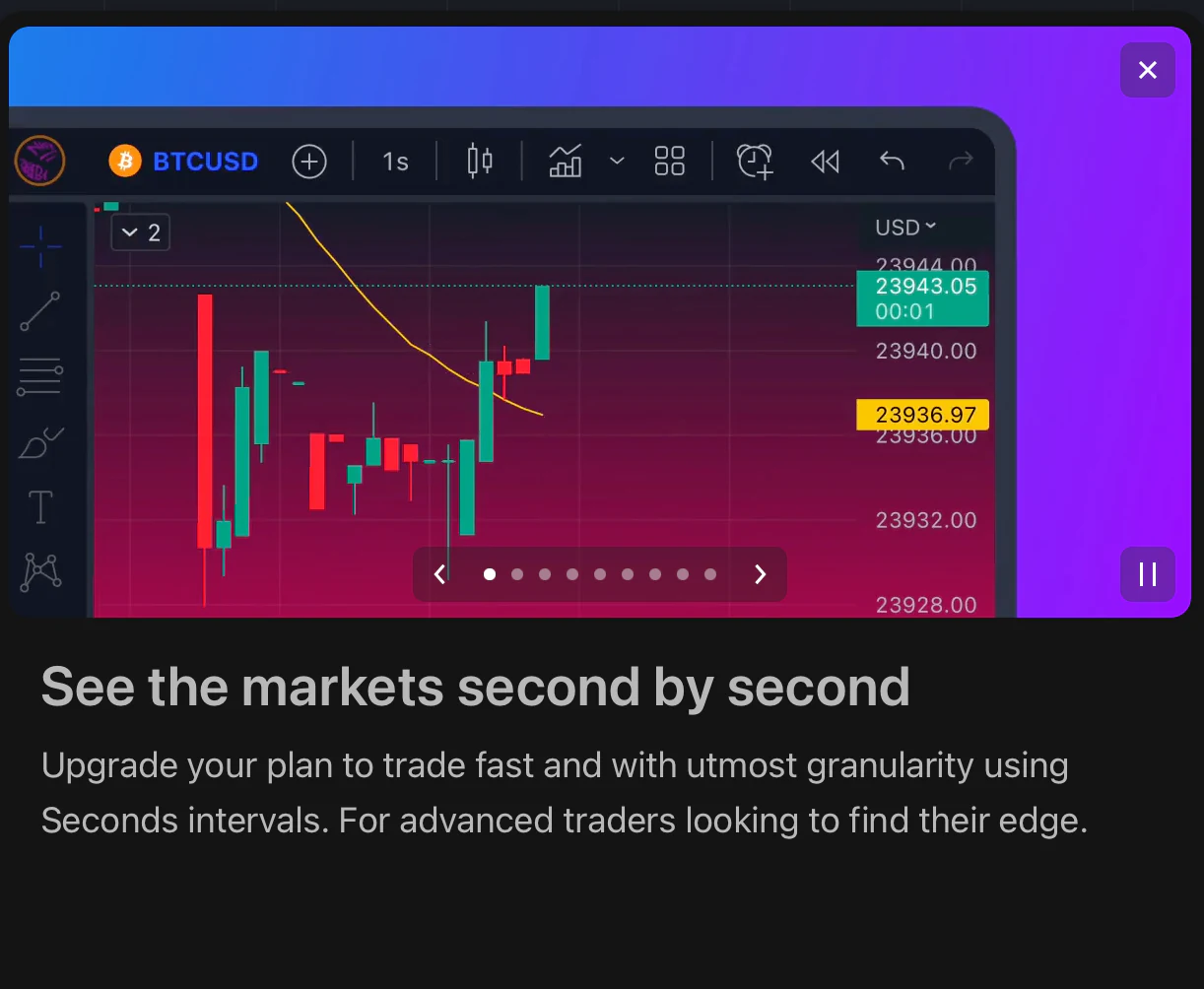
TradingView shows "See the markets second by second" when you select a seconds interval your plan does not include. For a 1-second chart or 5-second chart, Plus is the first plan with built-in seconds intervals. Both Basic and Essential lack seconds timeframes. On the free plan, close the popup and select 1 minute if your symbol supports intraday charts. TradingView's official plan comparison
Which TradingView plan has 1-second and 5-second charts?
TradingView lists 1, 5, 10, 15, 30 and 45 seconds in the interval menu. All six are predefined intervals. A 20-second chart, for example, requires a custom seconds interval. That distinction determines which subscription you need. TradingView's chart interval guide
| Seconds feature | First plan that includes it | Covered intervals or scope |
|---|---|---|
| Built-in predefined seconds charts | Plus | 1s, 5s, 10s, 15s, 30s and 45s live charts |
| Bar Replay with historical data by the second | Premium | Stepping through past seconds bars in Replay |
| Custom seconds intervals | Ultimate | Non-preset durations such as 20s or 90s |
We checked the Predefined second intervals, Custom second intervals and Bar replay → Historical data by the second rows on November 26, 2026. If you only want a live 1-second or 5-second chart, Plus covers it. Replay has its own allowance, and available seconds history depends on the symbol. For a broader tier breakdown, see our TradingView plan comparison or check current TradingView plan limits.
How do I open a 1-second chart on TradingView?
- In Supercharts, open the interval selector in the top toolbar. It displays the current candle duration, such as 5m.
- Under Seconds, select 1 second. Check that the toolbar now reads 1s, as in the BTCUSD screenshot above. Typing a bare 1 on the chart selects one minute, not one second.
- If the See the markets second by second popup opens, verify which plan is active on your account. On Basic or Essential, return to Minutes and pick an available interval. On Plus or Premium, choose one of the six listed seconds intervals if you were trying to enter a custom duration. See how to change timeframes on TradingView for desktop and mobile controls.
Can I see second-by-second moves on the free plan?
A one-minute candle updates its price while it forms, and when it closes it records the open, high, low and close for the whole minute. Suppose both a high of $102 and a low of $98 appear on that candle. The finished bar alone cannot tell you which price came first, or what the close was 15 seconds in. Zooming in on the candle will not recover that sequence. How TradingView builds time-based candles
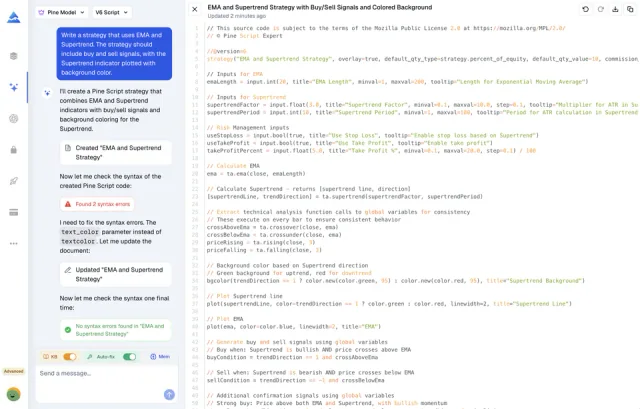
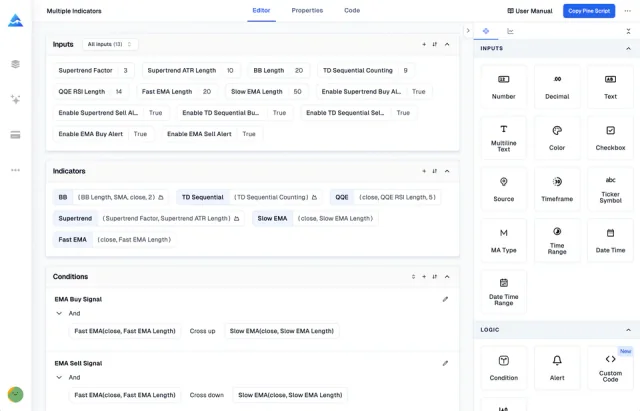
If you only need a signal at the one-minute close, you can build it around the data you already have. In Pineify AI, ask the Pine Script AI coding agent to mark a candle when it closes above your level, or build the condition in the Pineify Visual Editor. That rule answers a different question from whether price crossed the level for one second and fell back. For other chart and indicator allowances, see TradingView's free plan limits for 2026.
Why is my 1-second chart still delayed?
If 1s is selected and the chart opens, check the symbol's data status. A one-second interval determines how trades are grouped into candles, while the exchange feed determines when those trades reach your chart. For a stock or futures symbol marked Data is delayed, open the status message to see the feed details. TradingView notes that many exchanges charge separately for real-time data, including on paid charting plans. TradingView's real-time market data guide
Frequently asked questions
Can you get a 1-second chart on TradingView for free?
No. TradingView Basic and Essential do not include seconds intervals. The lowest standard time-based chart interval on Basic is 1 minute for symbols with intraday data.
Does TradingView Essential include 1-second or 5-second charts?
No. Predefined seconds intervals (1s, 5s, 10s, 15s, 30s and 45s) start on TradingView Plus.
Which TradingView plan supports custom seconds intervals like 20s?
Custom seconds intervals require TradingView Ultimate. Plus and Premium cover only the six predefined seconds options, with Premium adding historical data by the second in Bar Replay.
Why does my 1-second chart show delayed prices on a paid plan?
A paid TradingView plan unlocks seconds chart intervals, but real-time data for many stock and futures exchanges requires a separate exchange data package.