TradeZella Free Trial and Pricing: Cost Breakdown and Alternatives

TradeZella is a trading journal platform for active traders who want to track, analyze, and improve their performance. There's no free trial — you need a paid subscription starting at $29 a month. Between TradeZella and TraderSync, I'd recommend TradeZella only if you're already committed to paying for a journal. If you want to test first, TraderSync's 7-day trial is the safer bet. I ran into this wall myself back in February 2024 comparing it against my existing TraderSync account at the time.
How TradeZella is Priced
TradeZella keeps it simple with two plans. Each has monthly and yearly billing, and you save paying annually.
Basic Plan: The Essentials
| Billing Cycle | Monthly Cost | Total Upfront Cost |
|---|---|---|
| Monthly | $29 per month | $29 |
| Annually | $24 per month | $288 |
The Basic plan covers journaling, performance analytics, backtesting, and access to the mentorship program. Your broker can sync trades automatically, or you can upload a spreadsheet. The platform sorts everything for you.
The feature missing here is trade replay — that deeper review layer stays in Premium. I'd call this a real gap if you want to dissect execution details.
Premium Plan: For Deep Review
| Billing Cycle | Monthly Cost | Total Upfront Cost |
|---|---|---|
| Monthly | $49 per month | $49 |
| Annually | $33.25 per month | $399 |
Premium adds unlimited brokerage and mentor account connections plus trade replay. This lets you replay trades tick-by-tick, tagging moments where you chased a position — like buying NVDA calls at the peak in June 2024. Backtesting analyzes data second-by-second instead of in chunks. For scrutinizing every decision, this plan fits.
Why TradeZella Charges From Day One
Why doesn't TradeZella offer a trial when competitors do? They chose to build a single paid product rather than split resources between free and premium tiers.
Instead of a trial, they let you browse the dashboard before paying. The logic: a full walkthrough tells you more than a 7-day trial that expires mid-week. I've tried both models — I started with TraderSync's free trial in 2023, then paid for TradeZella in 2024 — and there's value in knowing every feature is available from day one.
When comparing platform costs, it helps to understand how TradingView Price Plans work in the broader trading ecosystem.
How This Compares to Other Journals
| Platform | Access Model | Key Consideration |
|---|---|---|
| TradeZella | Paid subscription from the start. | All features immediately available; no feature gates. |
| TraderVue | Free version with limited entries; paid plans for more. | Good for basic tracking; deeper insights cost extra. |
| TraderSync | 7-day free trial, then paid subscription. | Lets you test the full toolset before committing. |
Some traders prefer testing the waters first. TradeZella's model is for people ready to commit and want a structured deep-dive without limits.
What You Get with a Paid Subscription
Here's what your monthly fee buys — beyond a basic trade log.
Your Trading, Organized and Explained
TradeZella connects with 38+ brokers covering stocks, options, crypto, futures, and forex — Robinhood, Schwab, Coinbase, Interactive Brokers, and others. Some sync automatically; others need a file upload. Once your trades are in, the dashboard shows patterns and feedback you can act on.
The "Zella Score" grades you from 0 to 100 based on consistency, win rate, and trade quality. One number that tells you at a glance how you're trending.
Deep Dives Into Your Performance
Beyond basic P&L, reports answer specific questions:
- Do you trade better on high-volume days?
- How does position size affect results?
- Where is risk paying off, and where is it hurting you?
I've used this to catch a bad habit of overtrading during the first hour after market open — something my spreadsheet never flagged.
Test Your Ideas with Backtesting
Run hypothetical trades against past market data. I tested a mean-reversion strategy on SPY data from Q3 2024 — the second-level analysis in Premium caught a timing issue that monthly bars missed. Both plans include backtesting, but Premium gives tick-level precision. Exploring Algo Trading on TradingView can offer complementary insights for automating strategy testing.
Build Rules and Stick to Them (Playbooks)
Create a "playbook" — your own entry and exit rules based on price, volume, or market conditions — and TradeZella scores how well you follow it. You can also browse shared playbooks from other traders.
Learn from Other Traders
A subscription gets you into TradeZella's Discord community and a mentor program. I've gotten feedback on my EUR/USD entries that no chart pattern could have shown. This human element is a real differentiator.
Grow Your Skills with Education
TradeZella University has courses from quick-start guides to advanced strategies. It's not just a tracker — it's also a learning tool.
Is TradeZella Worth the Cost?
| Platform | Free Version | Free Trial | Starting Price | Key Differentiator |
|---|---|---|---|---|
| TradeZella | No | No | $29/month | Community features and mentorship |
| TraderVue | Yes (limited) | N/A | Higher than TradeZella | Deeper analytical capabilities |
| TraderSync | No | 7 days | Up to $79.95/month | AI-driven insights and coaching |
| Edgewonk | N/A | N/A | Substantially less | Budget-friendly basic tracking |
I haven't tested Edgewonk myself, but several traders on Reddit recommend it for budget-friendly tracking. TradeZella sits in the middle on price. The value comes from what's bundled: analytics, community, and mentorship in one package.
My take: if you're placing fewer than 10 trades a month, the subscription is hard to justify. You'd be better off with TraderVue's free tier or a spreadsheet. I used both during low-volume months and got by fine.
Is TradeZella Worth Paying For?
That depends on your trading style.
Where it stands out:
- Clean interface. You won't waste time hunting for features.
- Instant feedback. The Zella Score replaces tedious spreadsheet work.
- More than a journal. Discord and mentorship add real value.
- Auto-import saves time. If your broker is supported, no manual entry.
- Built-in education. Courses fill knowledge gaps while you track.
I've found it most useful during active months — like when I was day trading TSLA options in October 2024. During quieter periods, I let the subscription lapse. For the casual trader, it's probably not worth it.
If you do subscribe, start with the Basic plan at $29 a month — it gives you core features without a huge commitment. Use everything included: TradeZella University, the community chats, the playbooks. The more you put in, the more value you get. After a few months, check your Zella Score trend to decide if it's working.
What If You're Not Ready to Pay Yet?
Jumping into a paid subscription is a commitment. Here are free paths to start:
- TradeZella's Free Google Sheet Template: Manual journaling without the automated analytics.
- TraderVue (Free Tier): Caps monthly trade imports. Works for low-volume traders.
- StonkJournal: A free web-based journal some traders use as a direct alternative.
The Trade-Off with Free Tools
Free options get you started but lack the full analytics, automated tracking, and community features of paid platforms.
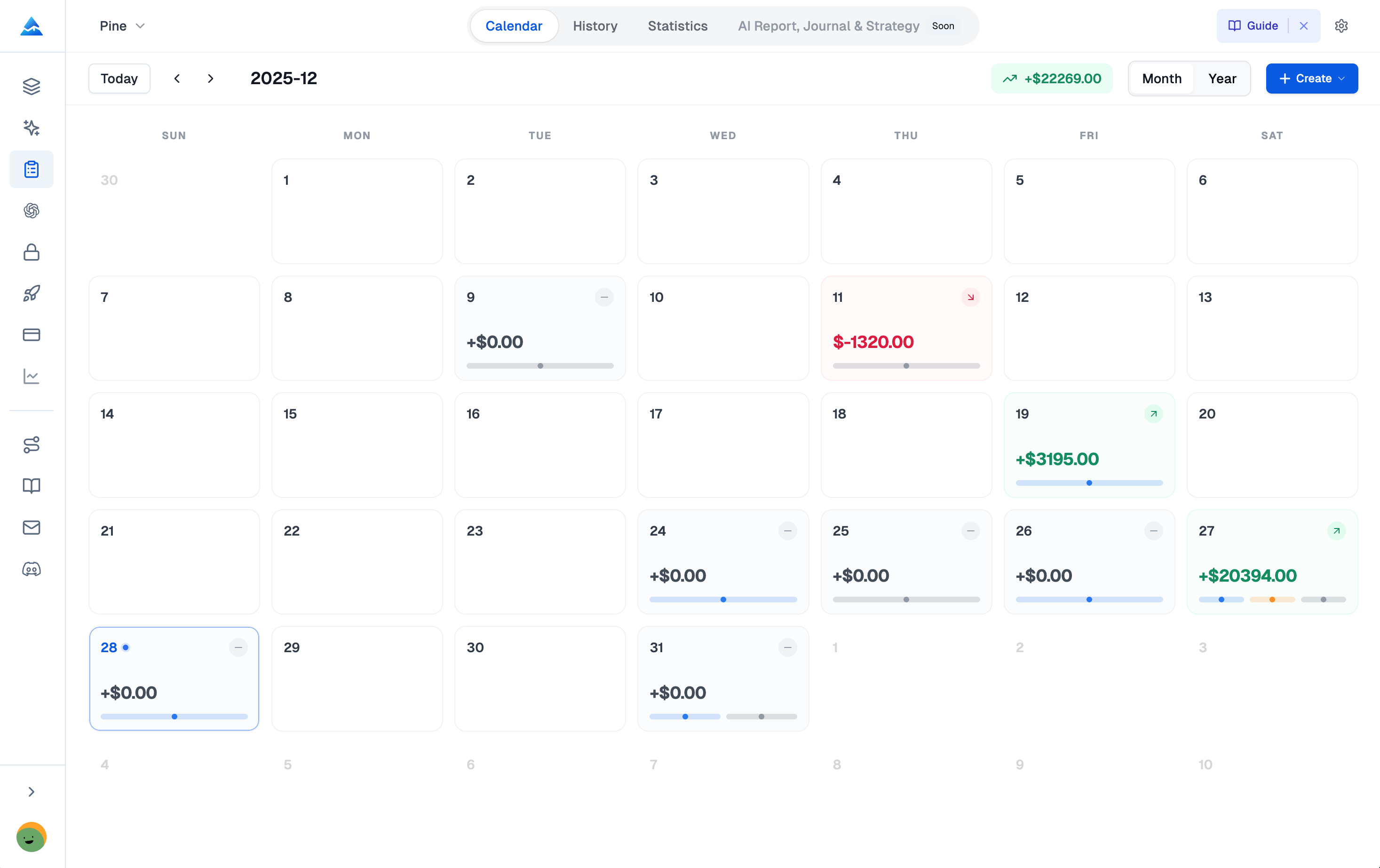
This same trade-off applies elsewhere. If you're building custom TradingView indicators, you face a similar choice: learn Pine Script, hire a freelancer, or use free AI tools that often produce errors. Pineify offers a free plan that covers the basics — you can build, test, and automate strategies visually or with its AI agent without coding.
Match the tool to your situation. OK with manual entry to save money? Free options work. Need automated insights? A paid journal like TradeZella starts to make sense.
Your TradeZella Questions, Answered
Does TradeZella offer a free trial?
No — and that's a dealbreaker for some. TradeZella has no free trial. TraderSync gives you 7 days to test, but TradeZella asks you to subscribe from day one. You can browse demo materials before paying, but the actual toolset stays behind the paywall.
How much does TradeZella cost per month?
The Basic plan runs $29/month — or $24/month paid annually at $288/year. Premium costs $49/month, or $33.25/month billed annually at $399/year. No free tier exists.
What is the difference between TradeZella Basic and Premium?
Trade replay, brokerage connections, and mentor features. Basic includes 1 brokerage connection and no replay. Premium adds unlimited connections, tick-by-tick replay, and unlimited mentor accounts. If you analyze execution details regularly, Premium is worth the upgrade.
Does TradeZella offer refunds?
No — all sales are final. Combined with no free trial, you need to be confident before subscribing. Watch demo videos and read feature breakdowns first.
What are the best free alternatives to TradeZella?
TraderVue (free tier with limited imports), StonkJournal (free web-based journal), and TradeZella's own Google Sheets template. They work for low-volume traders but lack automated analytics and community features.
How does TradeZella compare to TraderSync in pricing?
TraderSync costs more (up to $79.95/month) but offers a 7-day trial. TradeZella starts cheaper at $29/month with no trial. If testing before committing matters, go with TraderSync. For lower ongoing cost, TradeZella wins.
What is the Zella Score in TradeZella?
A 0-100 performance grade based on consistency, win rate, and trade quality. Think of it as a single number that tells you if you're improving or slipping. It updates automatically as you log trades.